 Commbot
Connect to Claude: ask about your store's data in a Claude chat
If you use Claude, you can connect your store to it. The connector opens Commbot AI's read tools to Claude: Claude reads your store summary, today's sales funnel, orders and products and answers from them, but it cannot change anything.
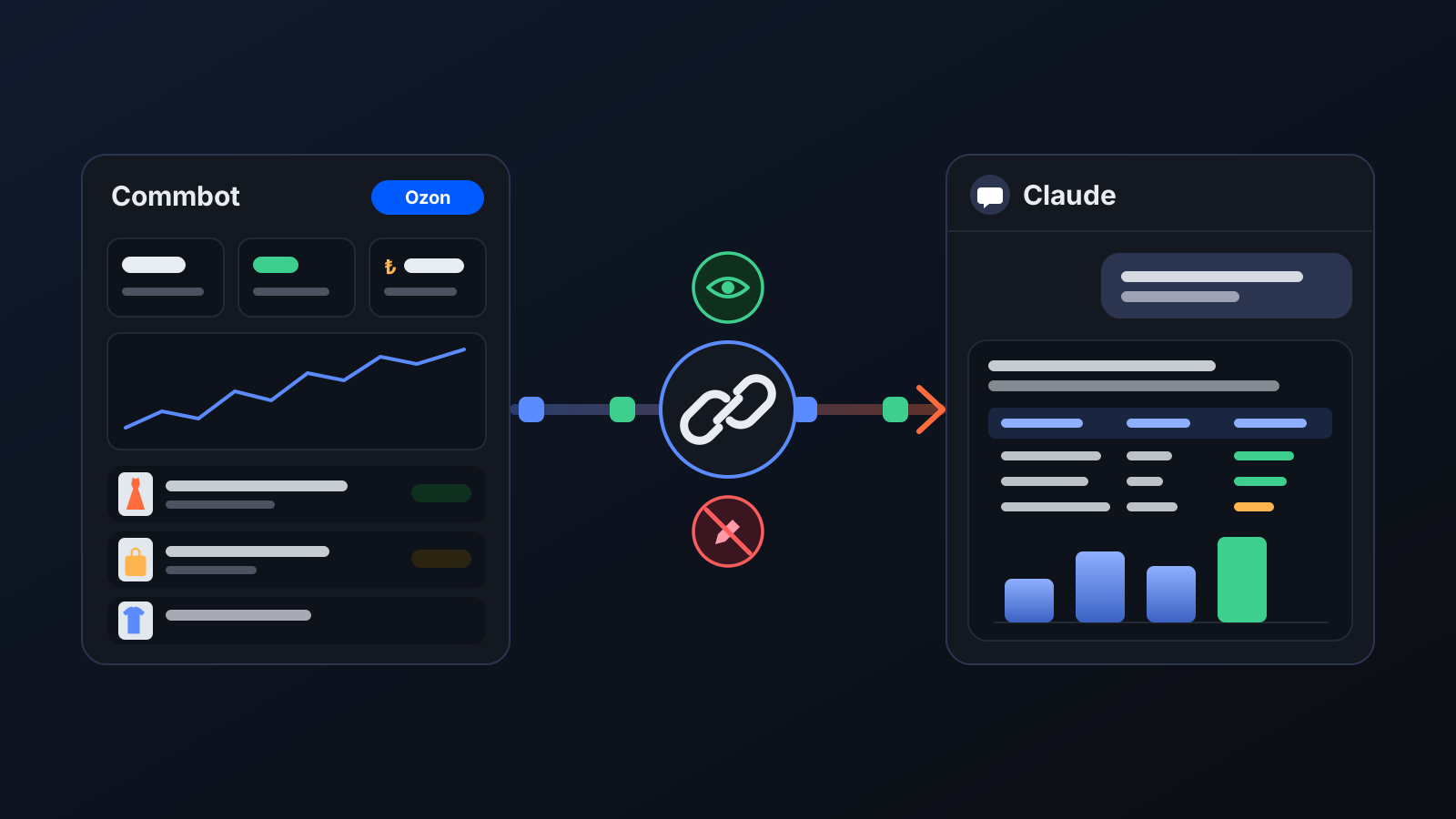
Many sellers already use Claude in their daily work: drafting reports, building tables, brainstorming. With Connect to Claude, Claude knows your store: you ask about your Ozon store's figures right in a Claude chat, without copying them out of the panel. The connector only reads; it cannot change anything in your prices, stock or listings.
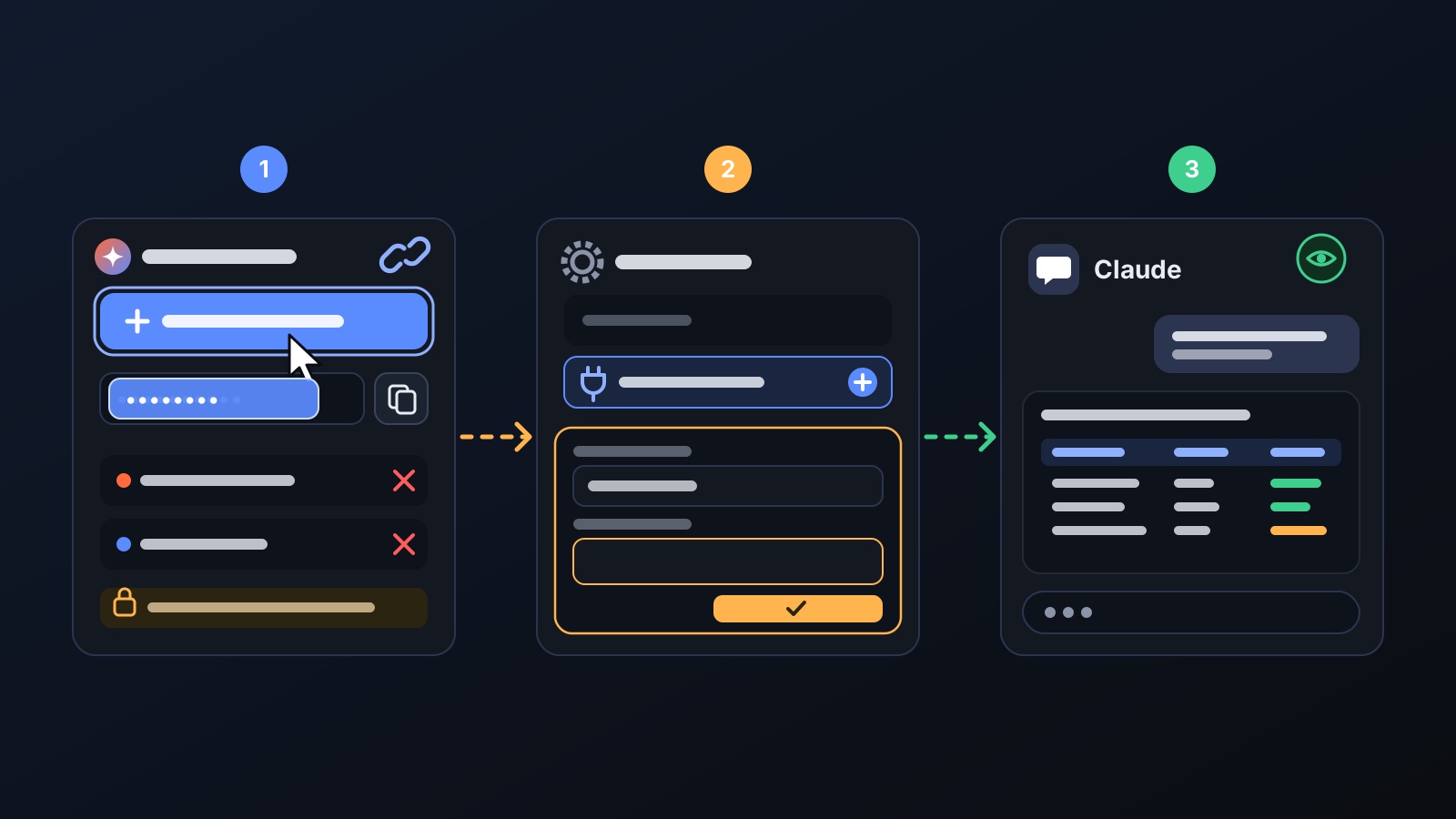
How to set it up
- Open the Commbot AI page in the panel with the store you want to connect selected. Find the Connect to Claude box in the right-hand panel.
- Press Create connection link and take the link with Copy. The link is shown only at this moment.
- In Claude, go to Settings → Connectors → Add custom connector and paste the link.
- Ask about your store in a Claude chat: "How many orders came in today?", "Which of my products got the most views in the last 7 days?"
- You can revoke the link from the same box at any time; Claude can no longer read data through a revoked link.
What it affects
- What Claude reads: store summary, today's sales funnel and assessment, orders, product and catalog search, product details and descriptions, operation history, notifications, the deactivation queue and read-only queries on your store data.
- What it doesn't read: buyer messages are deliberately excluded; your customers' conversations are not sent to Claude.
- What it can't do: adding products, taking them off sale, changing prices or settings are not part of the connector. You make changes in the Commbot panel or with Commbot AI.
- Store separation: Claude sees only the data of the store the link was created for. If you have several stores, create a separate link for each.
For better results
- Say what format you want: requests like "make a table of this week's orders and revenue" combine Claude's writing and table skills with your store data.
- If you connect several stores, give each connector the store's name when you add it to Claude, and mention the store in your question.
- If you can't see the option to add a custom connector, check whether your Claude account allows it.
More from Commbot
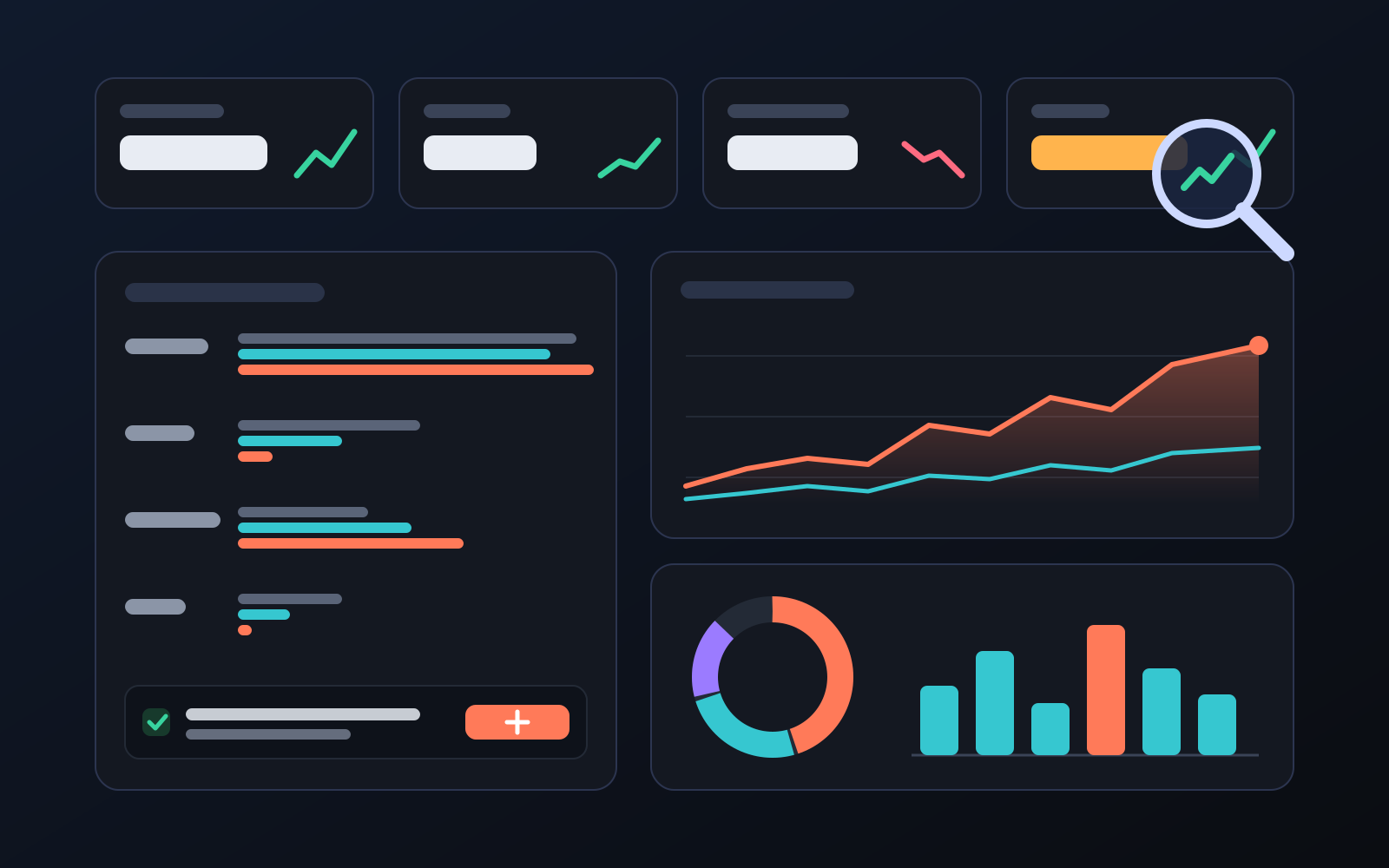
Analytics page: what sells in your store and what doesn't, on one screen
See how your products do by category, brand, price, colour, size and region, in charts. The page turns findings into plain sentences and gives one-click suggestions.
2026-10-29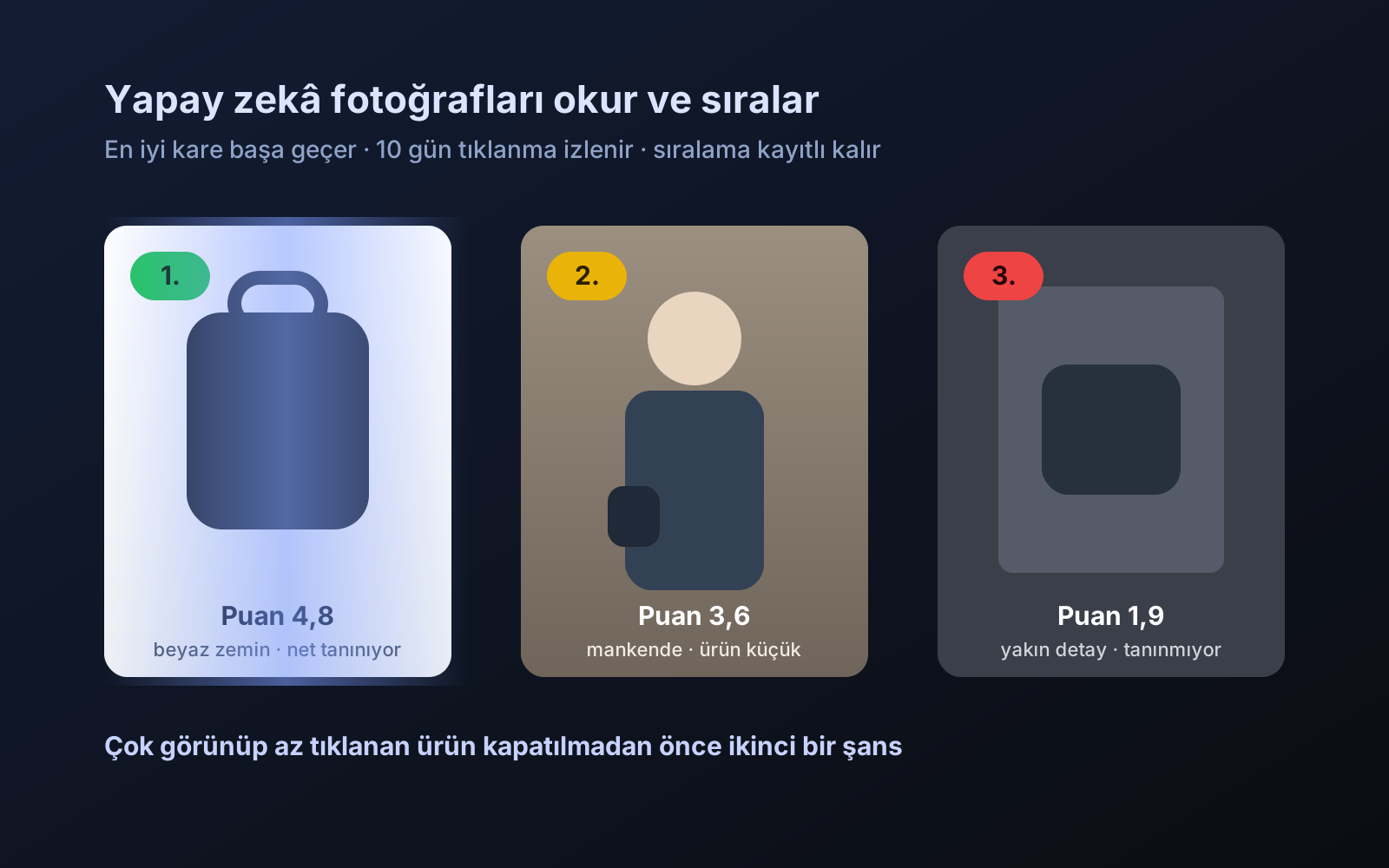
Photo trial before swap
We have improved our system for turning products on and off. It is still in a trial stage, but you can already use it.
2026-10-28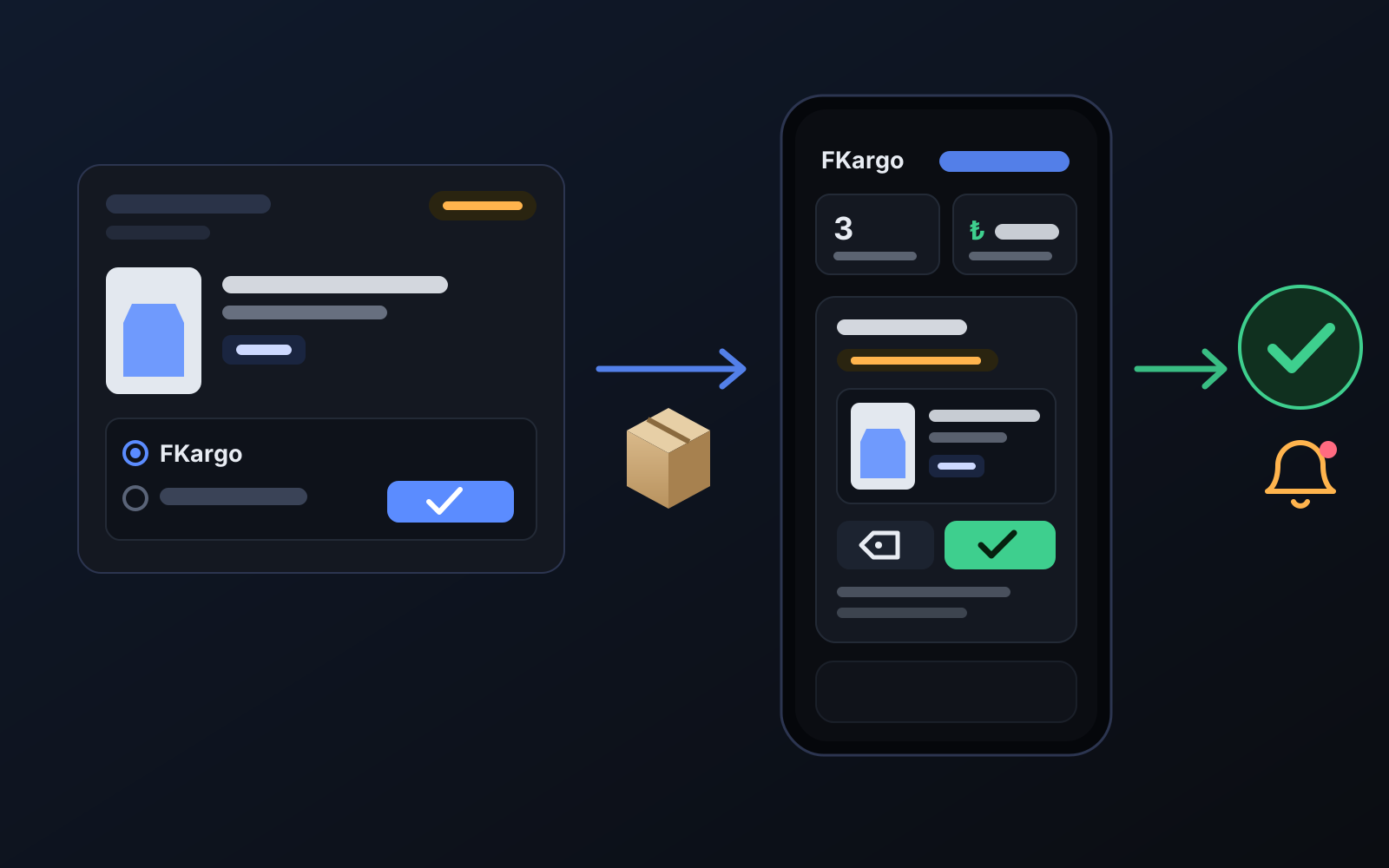
Shipping partners: hand your orders to FKargo and see when they are shipped
Order the item from the brand to FKargo’s address; FKargo puts on the Ozon label and drops the parcel at the shipping point. One-click forwarding and automatic forwarding in Incoming orders.
2026-10-20