 Commbot
Shipping partners: hand your orders to FKargo and see when they are shipped
FKargo is the partner courier that takes Commbot stores’ parcels from Küçükçekmece, Istanbul to the shipping point. When you forward an order, the courier sees the item with its photo, size and Ozon label in their own panel; once the parcel is dropped off, your order shows “Shipped by FKargo” and you get a bell notification.
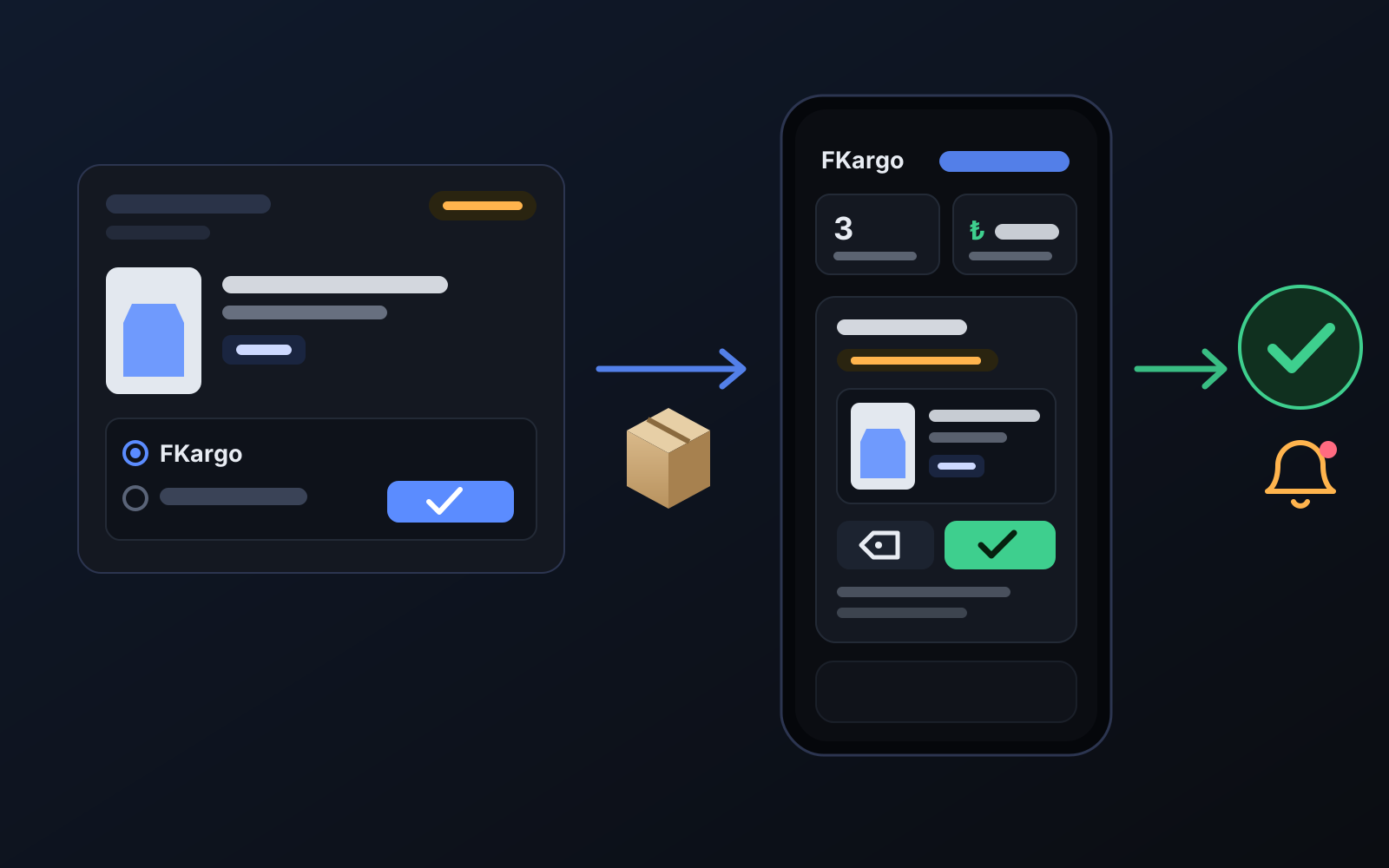
Getting the brand’s item delivered to you, repacking it and taking it to the shipping point costs time on every order. With shipping partners you leave this to a partner courier: the item goes straight to the courier’s address, the courier puts on the Ozon label and drops the parcel at the shipping point, and you follow every step in the panel.
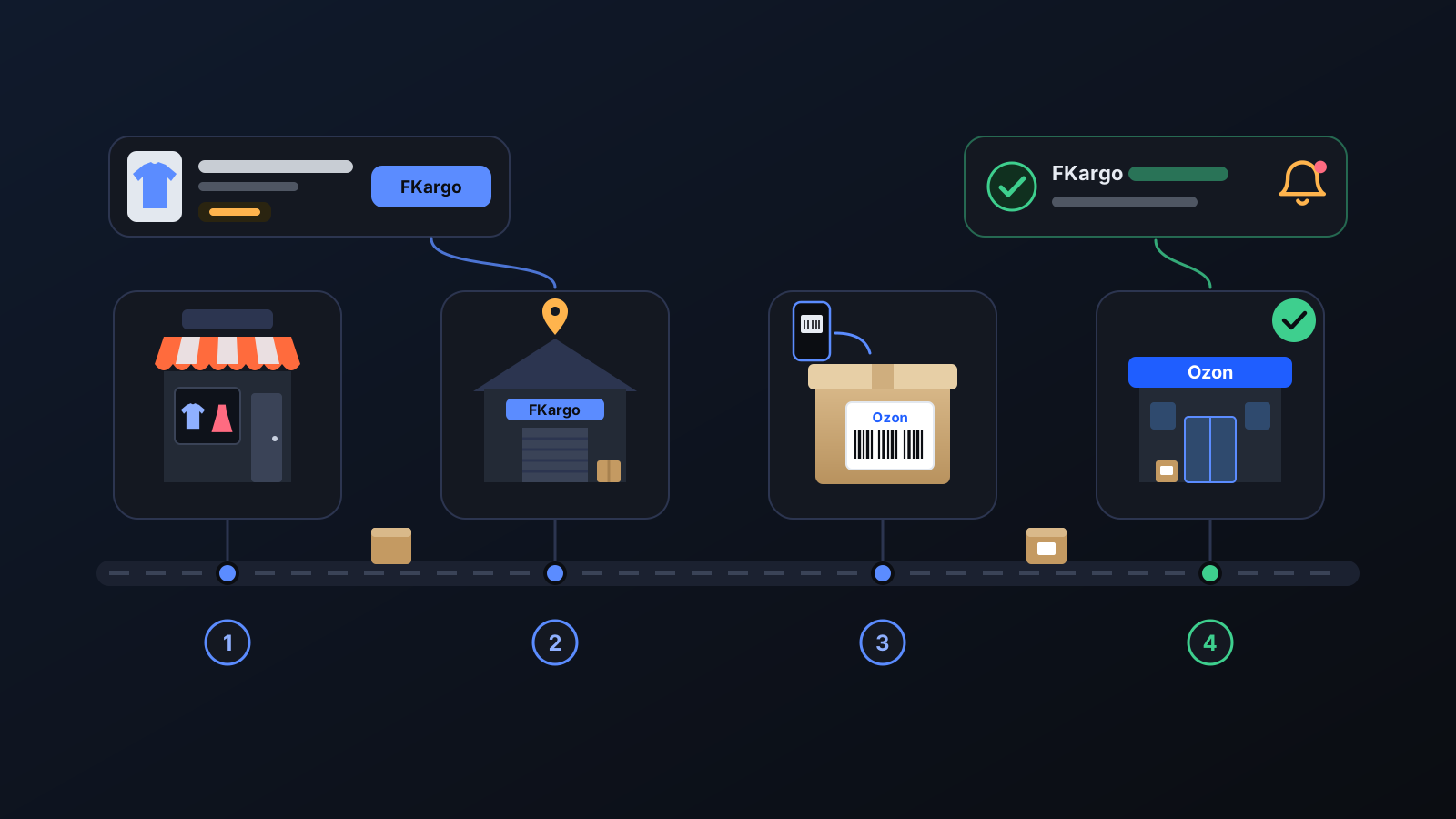
How to use it
- Open Shipping partners in the left menu and turn on the FKargo integration.
- When buying from the brand, use FKargo’s address on the page as the delivery address (there is a Copy address button).
- In Incoming orders, press I placed the order next to the order. If the order is already forwarded to FKargo, no method is asked; otherwise choose FKargo. You can add the brand’s order number as a note. To forward without ordering yet, press Forward to FKargo.
- Pack the order in Ozon: Ozon’s package label opens in the courier panel automatically.
- When the courier drops the parcel off, your order shows Shipped by FKargo and you get a bell notification.
What it affects
- Incoming orders: a new Shipping column — I placed the order (FKargo or I ship it myself), Forward to FKargo, Cancel; Send all with FKargo at the top. With the integration off the buttons are inactive.
- Automatic forwarding: every order that arrives after you turn it on is forwarded to FKargo.
- Ozon: nothing changes — Commbot writes nothing to Ozon. The label is Ozon’s own package label.
- Fee: the per-parcel fee is the store’s agreement with FKargo and is shown on the Shipping partners page.
- Cancellations: an order cancelled in Ozon shows in red as “DO NOT SHIP” in the courier panel.
For better results
- Press I placed the order as soon as you order from the brand, so the courier knows the parcel is on its way.
- Add the brand’s order number as a note; it helps the courier match the incoming parcel to your order.
- Pack the order in Ozon on time: the label only appears then. The ship-by date is shown in the courier panel.
More from Commbot

Analytics page: what sells in your store and what doesn't, on one screen
See how your products do by category, brand, price, colour, size and region, in charts. The page turns findings into plain sentences and gives one-click suggestions.
2026-10-29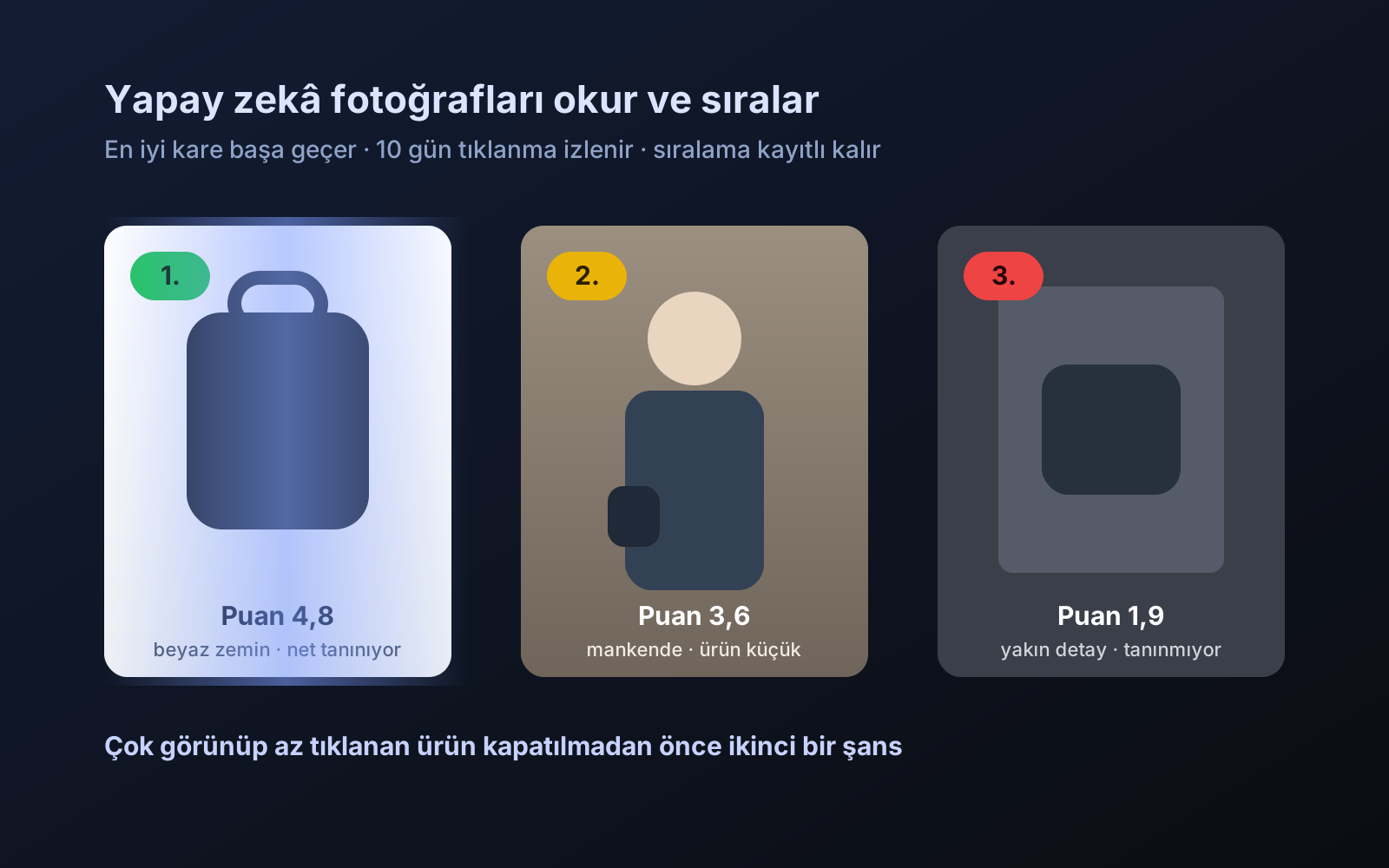
Photo trial before swap
We have improved our system for turning products on and off. It is still in a trial stage, but you can already use it.
2026-10-28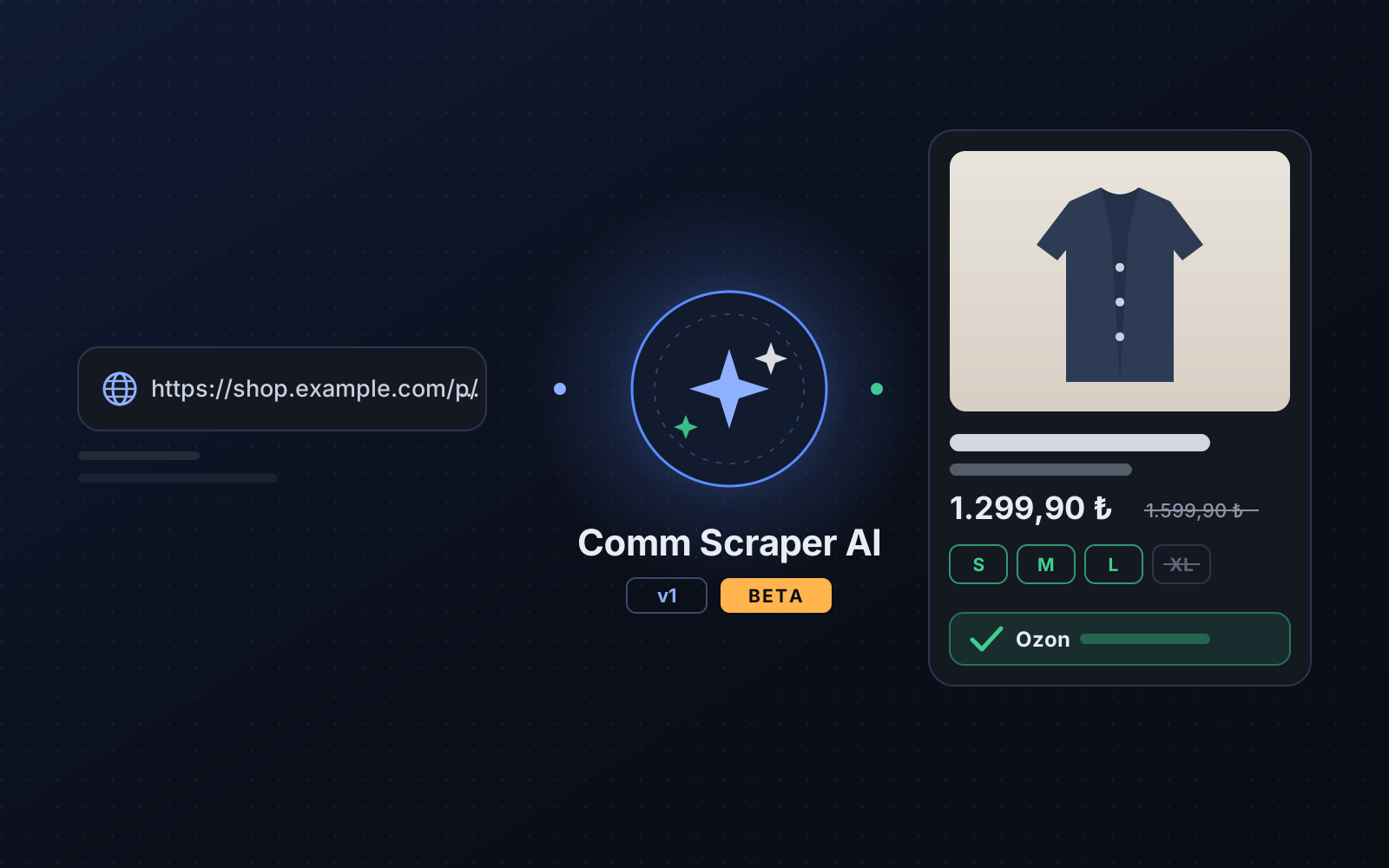
Comm Scraper AI v1: add products from sites that are not on the list
Paste a product link from an unsupported site; AI reads the page, extracts each size's stock and price, you check it and add it to your store in one click.
2026-10-19