 Commbot
No sales at a loss: a profit floor under every price and a check every 15 minutes
The real risk in automation is a wrong price nobody notices: the cost goes up, the price falls behind and the loss only shows at the end of the month. Commbot's basic rule is to allow no sale at a loss. Every price is built above a profit floor, and prices are checked against what is actually live on Ozon every 15 minutes.
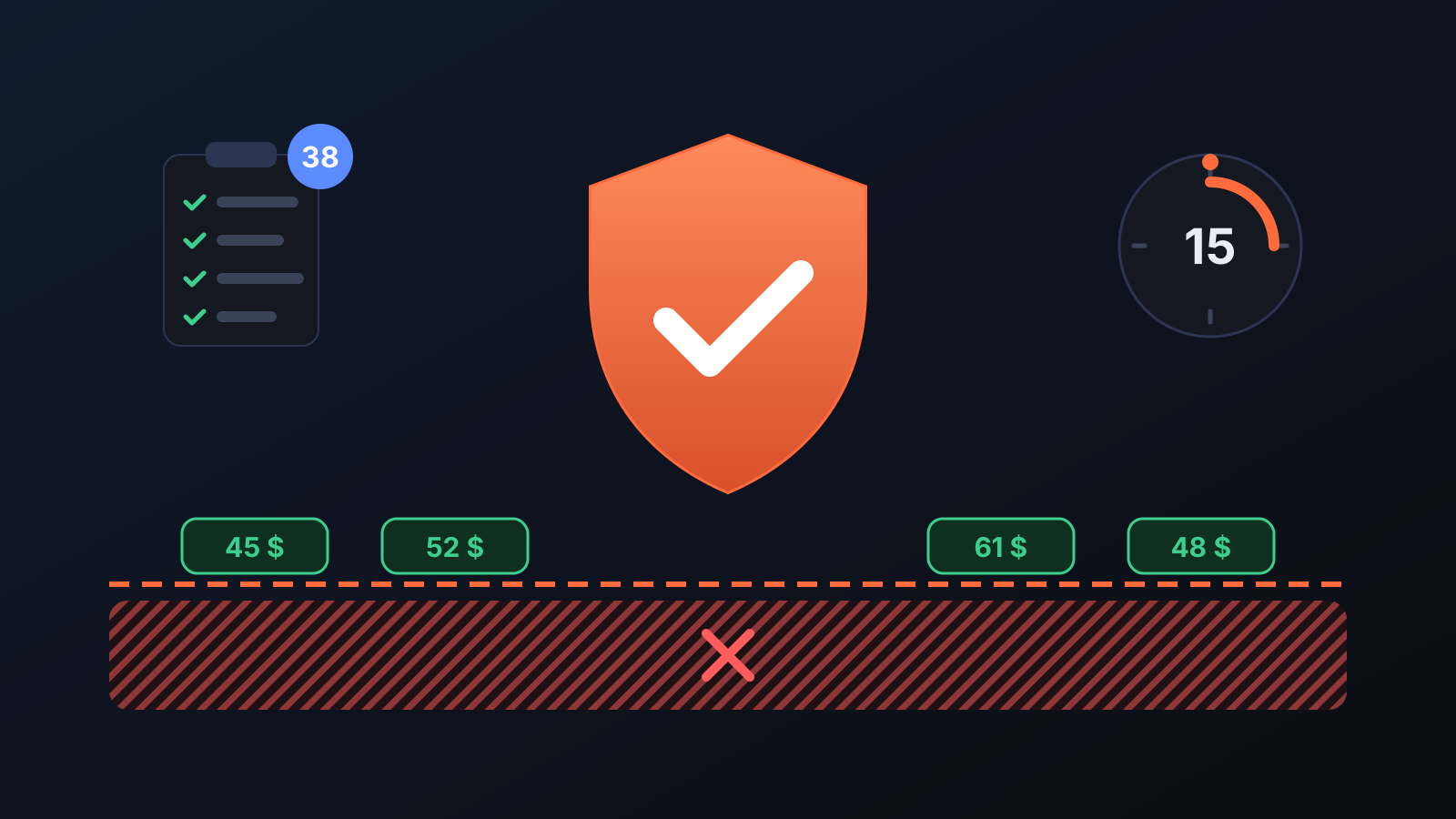
A wrongly set price is often only noticed at the end of the month, in the profit and loss figures. The product gets more expensive at the source, the exchange rate moves or a promotion price goes deeper than expected, and the listing keeps selling all the while. Commbot closes this risk in two layers: it builds every price above a profit floor, and it checks the prices it has written by reading them back from Ozon every 15 minutes.
How does it work?
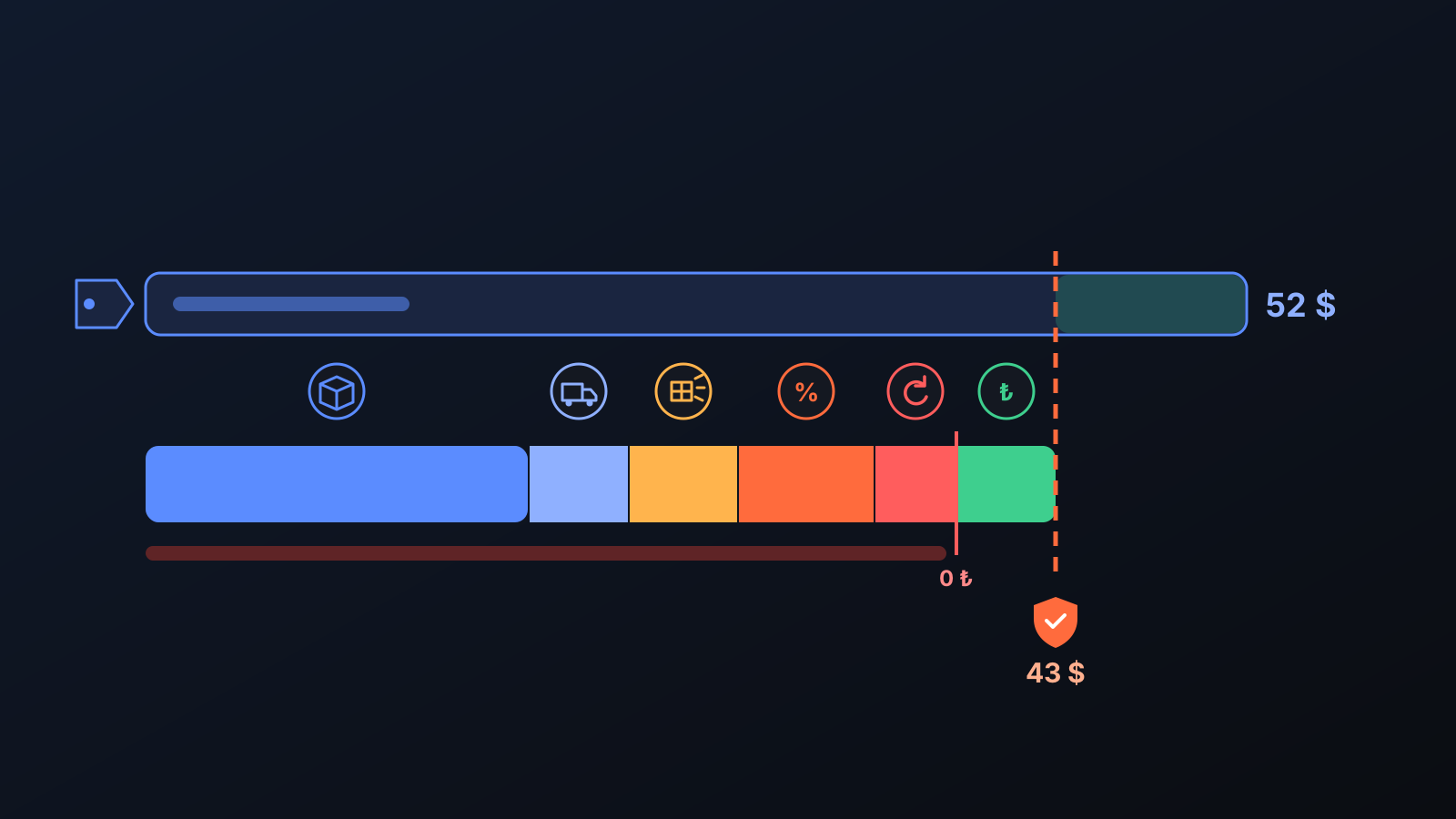
- The floor is calculated. The brand's current price (product cost), sourcing and extra costs (label, bag), shipping by the product's shipping class, the Ozon deduction and the return allowance are added up, and your floor margin from the Price & Stock page goes on top. You can also set a net profit floor in TL.
- Every price is built from this floor. The selling price comes from your target margin; competitor-based prices, promotion prices and cart discounts are capped by the floor too. Prices are recalculated every 10 minutes: a source price change reaches the floor in the run where it is seen, an exchange-rate change within an hour.
- Your minimum price on Ozon comes from the floor too. Ozon's own automatic discounts cannot go below a listing's minimum price; Commbot sets it to the floor and renews, every day, the 30-day period for which Ozon keeps this protection.
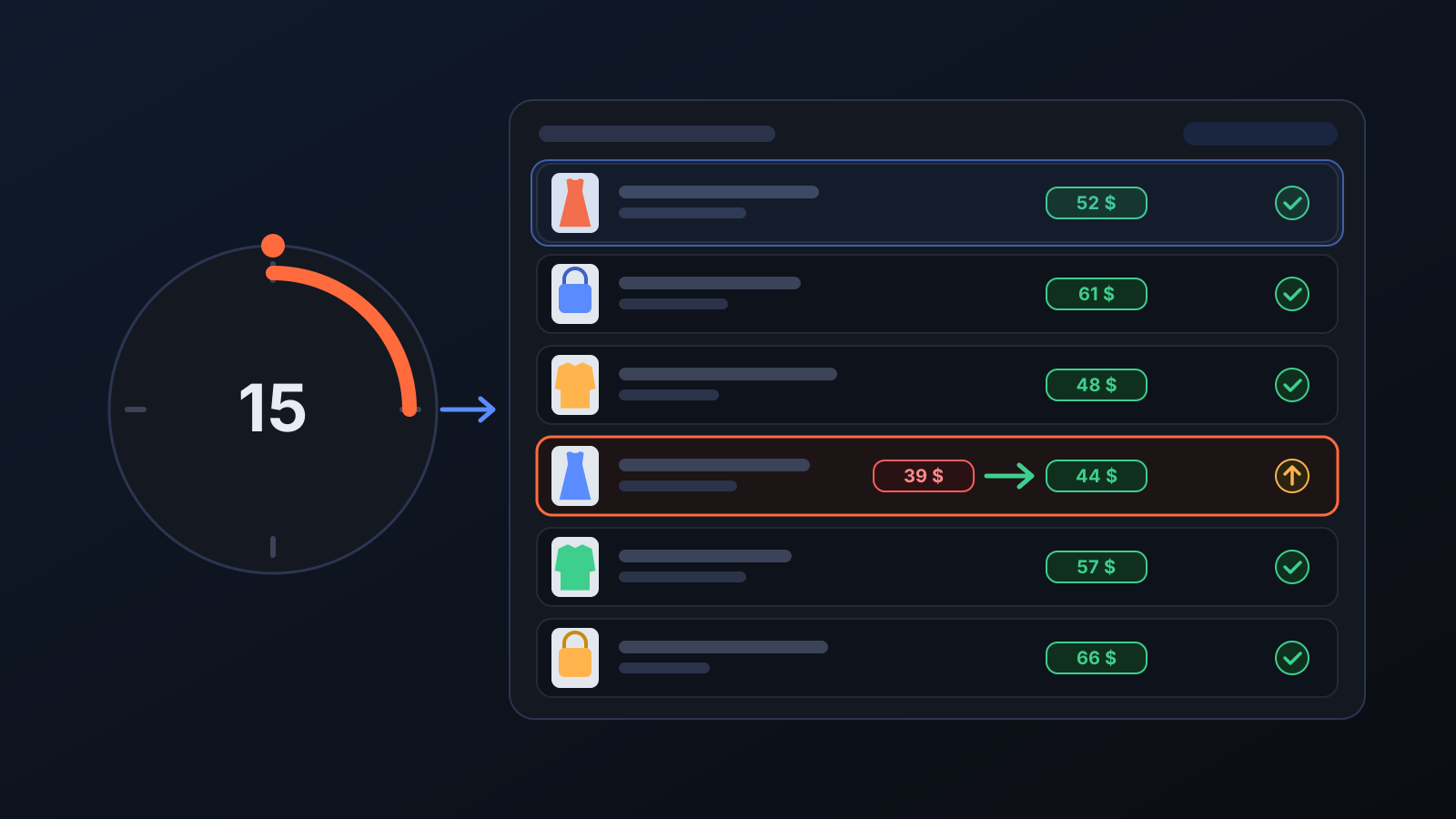
- A check every 15 minutes. The prices of all listings on sale are read from Ozon and compared with a floor recalculated from the current cost. A listing below the loss limit that is seen in two runs in a row is raised without waiting for the price brakes, and its minimum price and strikethrough price on Ozon are corrected as well.
- A gradual return to the profit floor. If a listing has fallen below the floor because its cost went up, its price is moved back to the floor gradually over a few days to avoid a sudden jump; the loss limit, however, is absolute, not gradual.
What does it affect?
- Price & Stock: floor margin, Ozon deduction, return rate, sourcing and extra costs, net profit floor and net profit cap live here. The Price calculator instantly shows the selling price, net profit and floor price for a given cost, using the same calculation as the price written to Ozon.
- Price brakes: in a single run the price can drop by at most 45% and rise by at most 25%, and daily changes are limited too, so faulty data cannot crash a price at once.
- Going below the floor is your choice: the price only goes below your floor margin in cases you turn on or approve yourself, for example when you approve a price index suggestion on the Home page, set a lower Lowest % in a promotion, or when customer win-back turns the return allowance into a discount once per listing. No automated job ever writes a price below the loss limit; a listing that ends up there because of a cost change is caught by the 15-minute check.
- Bulk deactivation brake: a single piece of faulty data cannot deactivate many listings at once. On the Engine page you can set a daily deactivation cap and require your approval for deactivations.
- Promotions and discounts: automatic participation in Ozon promotions, the customer win-back discount and the strikethrough price all use the same floor.
Tips for better results
- Keep the Ozon deduction, return rate and cost settings close to your real figures: the floor is only as accurate as these inputs. The Profit / Loss page shows the deductions actually charged.
- On cheap products a percentage margin leaves little profit in TL; use the net profit floor to set the minimum you keep from every sale.
- Do not turn off the Automatic pricing permission: while it is off, prices are frozen, and if the source raises its price, your price can fall behind.
More from Commbot

One-click sign-in: link your account to Google
You can now link your Google account to the account opened with the username and password we gave you. Link it once, then sign in with the "Sign in with Google" button without typing a password.
2026-10-29
Analytics page: what sells in your store and what doesn't, on one screen
See how your products do by category, brand, price, colour, size and region, in charts. The page turns findings into plain sentences and gives one-click suggestions.
2026-10-29
Photo trial before swap
We have improved our system for turning products on and off. It is still in a trial stage, but you can already use it.
2026-10-28