 Commbot
Stock sync: your Ozon stock follows the brand's stock, size by size
An order for a size that has sold out at the brand cannot be fulfilled, and a seller-side cancellation hurts your store's rating on Ozon. Commbot regularly compares every size with the brand's stock, reads the stock once more before closing a size that is on sale, and brakes when a mass, suspicious shutdown is about to happen.
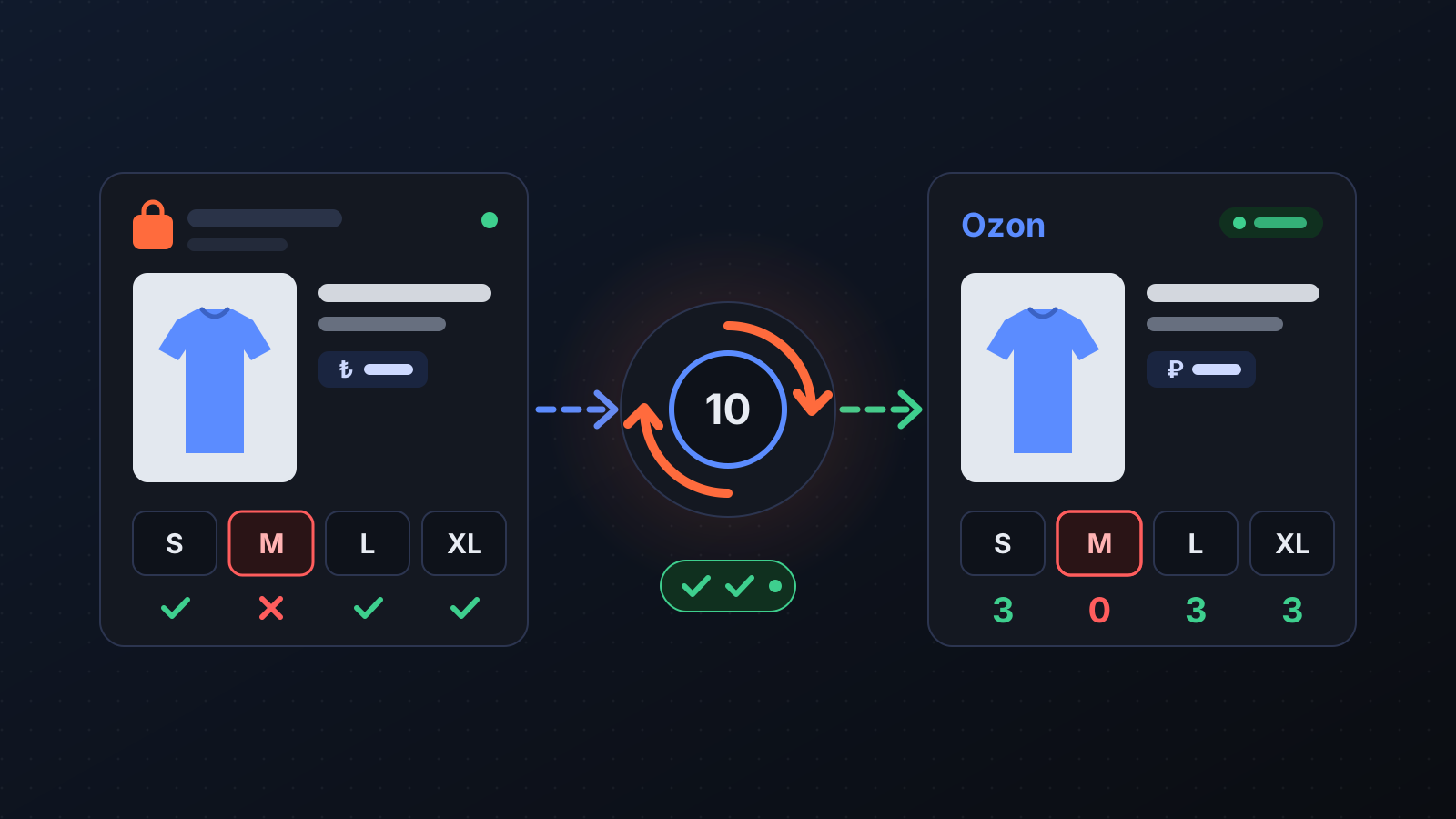
For the products Commbot lists from brands, the stock is not with you but with the brand: when an order comes in, you buy the item from the brand. That is why your Ozon stock has to follow the brand's real stock. An order for a size that has sold out at the brand cannot be fulfilled, and a seller-side cancellation lowers your store's rating on Ozon. The opposite is a loss too: if a size the brand still has stays closed on Ozon, the sale is gone. Stock sync handles both on its own.
How does it work?
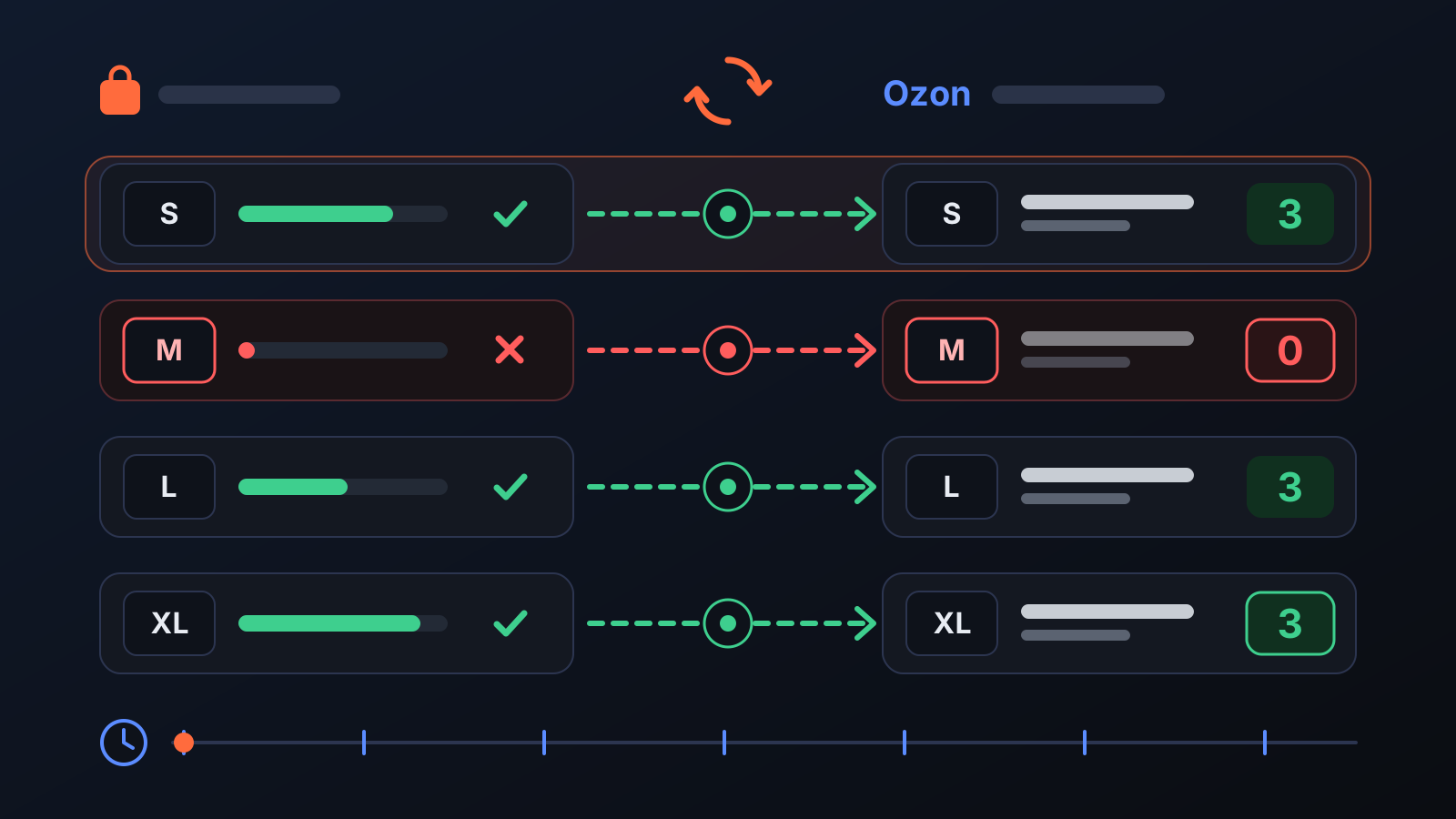
- The brand's stock is read: the brand stock of every product listed on Ozon is tracked size by size, and your Ozon stock is synced with it every 10 minutes.
- Each size is synced on its own: on Ozon every size is a separate card. A size that sells out at the brand is set to 0 while the other sizes stay on sale; when stock returns, the size goes back on sale in the same round.
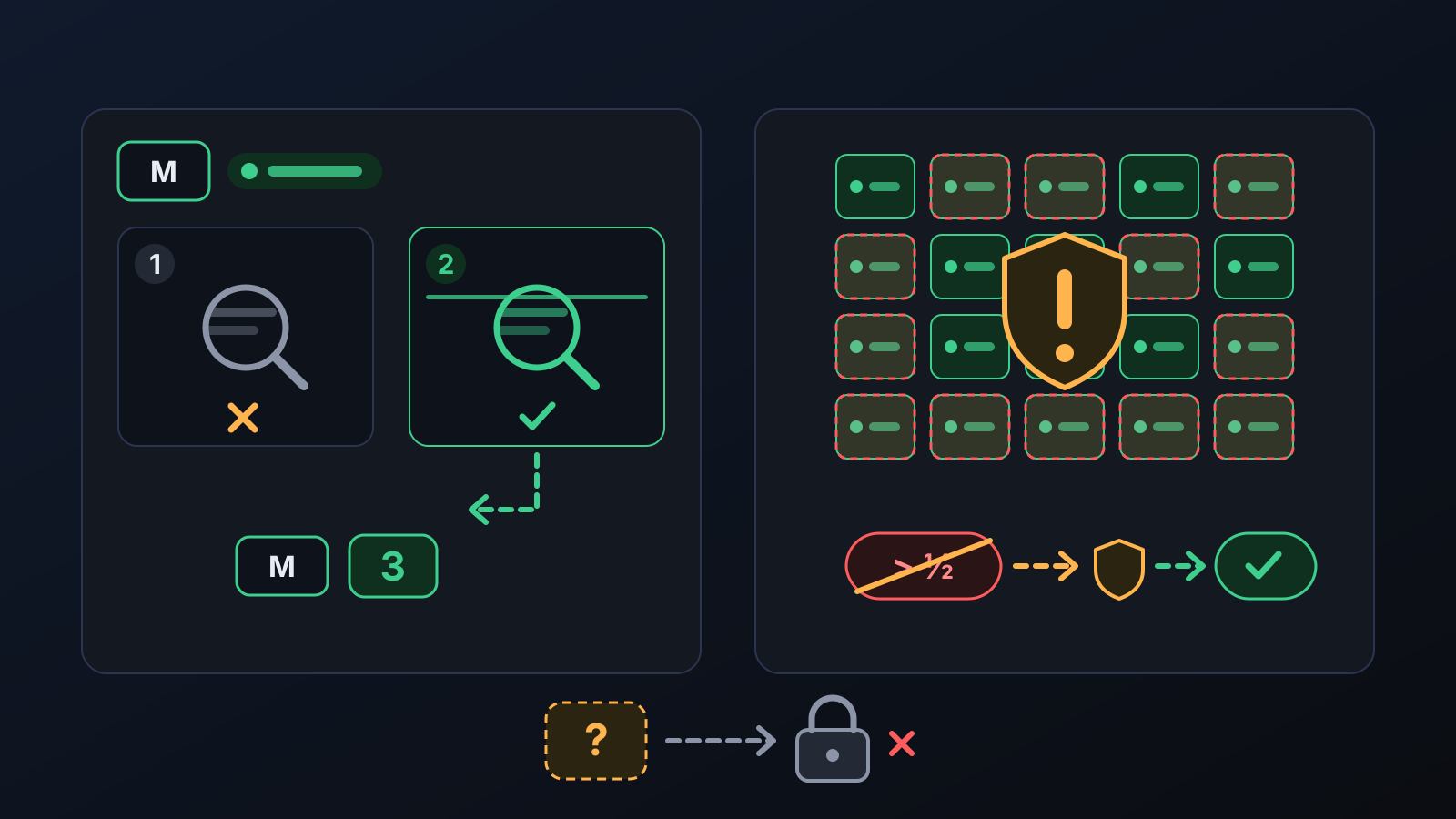
- A second read before closing: before a size that is on sale is closed, its stock is read once more from a fresh source. If the second read sees stock, the size stays open — a momentary read error does not stop your sales.
- Mass shutdown brake: in a store with at least 20 cards on sale, if more than half of them would close in a single round, this is treated as a read error: no stock is written in that round and a warning appears in the panel. The drop is applied only if independent reads confirm it and it lasts for about two hours.
- Unknown stock is not sold: if the brand's stock cannot be read, the size is not opened; if the data is missing for two rounds in a row, a size that is on sale is closed as well.
- A reverse check from the Ozon side: every size that is sellable on Ozon is checked one by one against the brand; if the brand does not have that size, the card is closed. When a product disappears from the brand's website altogether, all its sizes are closed right away.
What does it affect?
- Size cards on Ozon: a card set to 0 is not deleted and does not go to the archive; it waits in "Ready for sale" status and sells again in the same round once stock returns (with the default setting).
- Products page: your products appear under "Active on site" and "Inactive · not on sale". The 🔄 Sync stock now button syncs without waiting for the next round.
- Price & Stock page: the Stock check every 10 minutes switch and the "When stock runs out" option live here: set stock to 0 (listing stays) or archive. Ozon limits restores from the archive to 10 cards a day, so "set stock to 0" is recommended.
- Engine → Permissions: if the Stock sync switch is turned off, sold-out sizes are detected but not closed on Ozon; a sold-out item left on sale risks a cancellation.
- Warehouse: in stores running on full automation, if you have sellable goods of the same size in an Ozon warehouse, those are sold first and the Turkey stock of that size is kept at 0.
For better results
- Leave the When stock runs out option on set stock to 0 (listing stays): the card does not go to the archive and sells again as soon as stock returns.
- Use manual sync only when you need it: the system already runs every 10 minutes, and Ozon rejects stock sent to the same card too often.
- Fulfil orders quickly: if a size sells out at the brand between two checks, an order can still arrive in that short window.
This post describes the feature as it works today: safeguards such as the reverse check, the second read and the mass shutdown brake were added in August–September 2026.
More from Commbot
One-click sign-in: link your account to Google
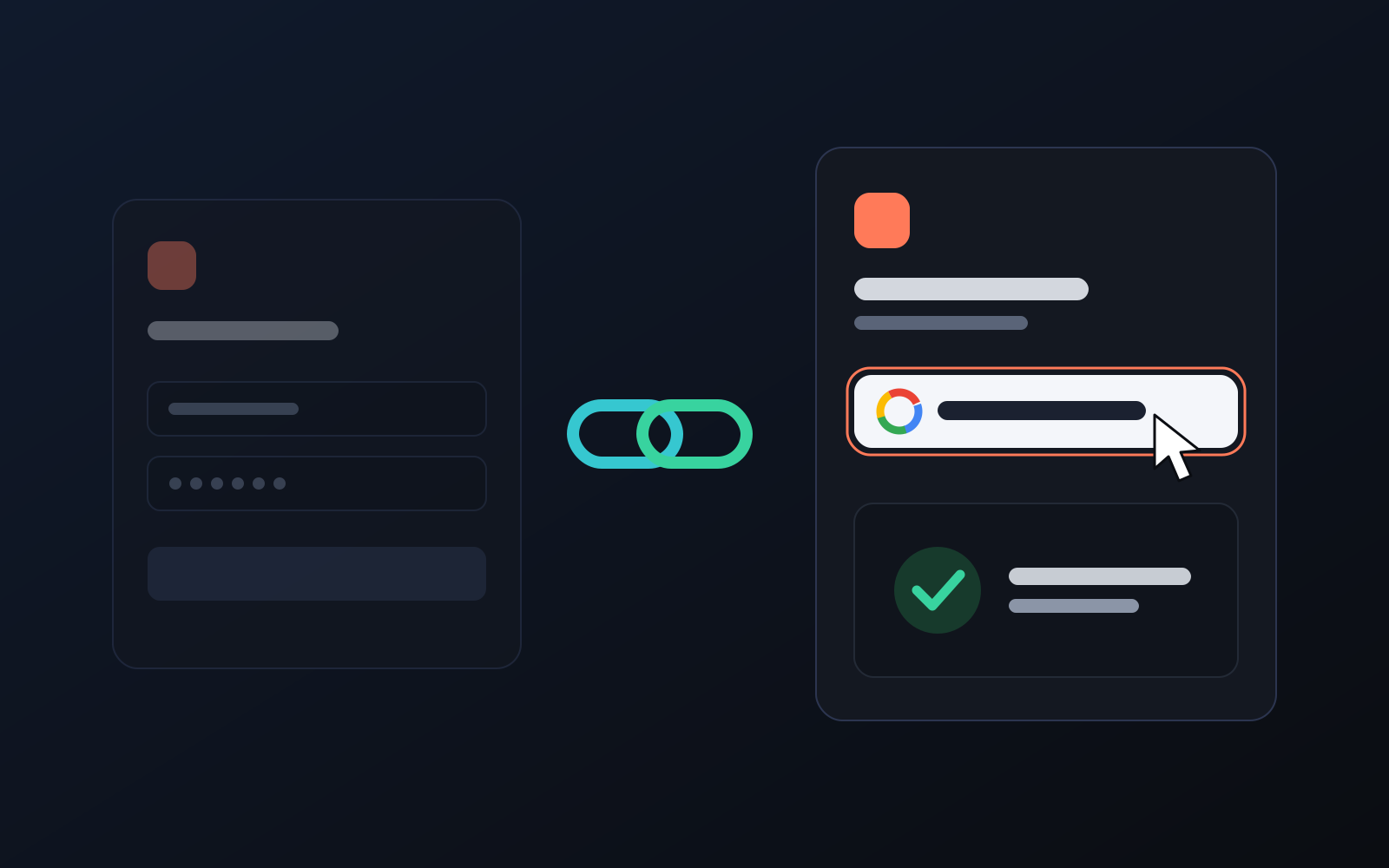
You can now link your Google account to the account opened with the username and password we gave you. Link it once, then sign in with the "Sign in with Google" button without typing a password.
2026-10-29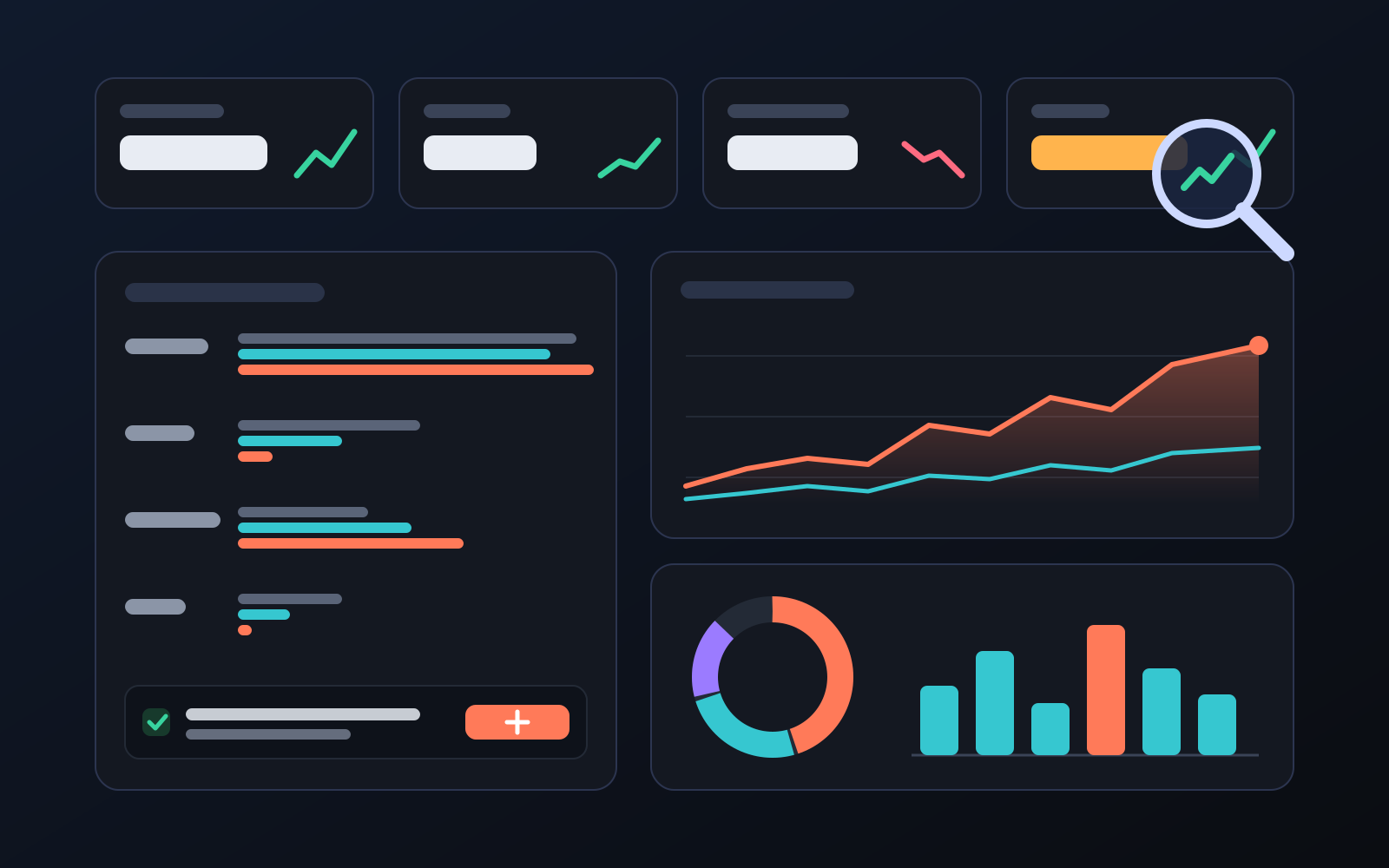
Analytics page: what sells in your store and what doesn't, on one screen
See how your products do by category, brand, price, colour, size and region, in charts. The page turns findings into plain sentences and gives one-click suggestions.
2026-10-29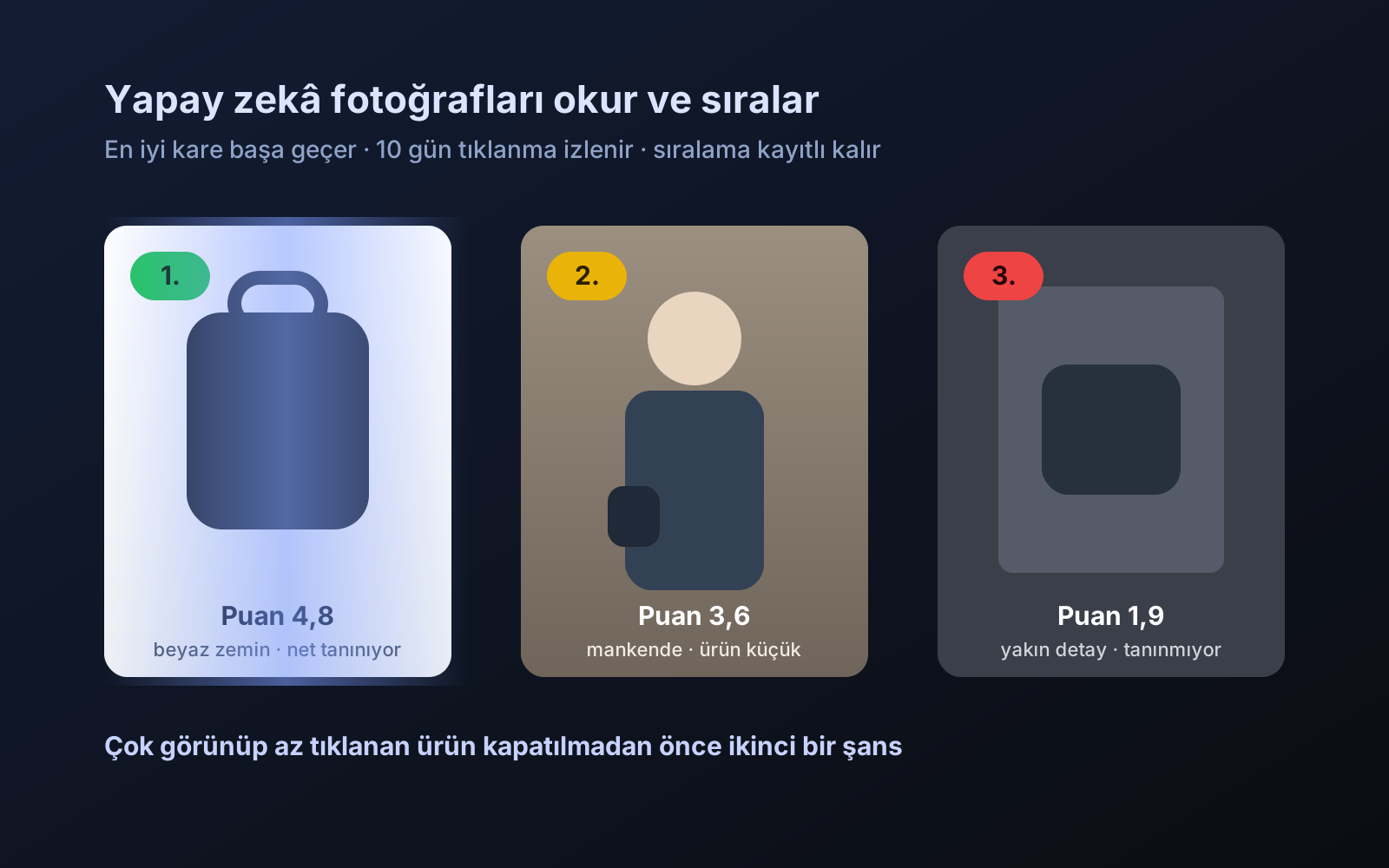
Photo trial before swap
We have improved our system for turning products on and off. It is still in a trial stage, but you can already use it.
2026-10-28