 Commbot
Competitor-based pricing: move your Ozon price index toward green without giving up profit
Ozon compares every listing's price with the price of the same product at other sellers and marks the listing with a green, yellow or red price index. Green listings get a boost in search. Commbot reads this comparison in every price run and adjusts your price to the competition while protecting your profit floor.
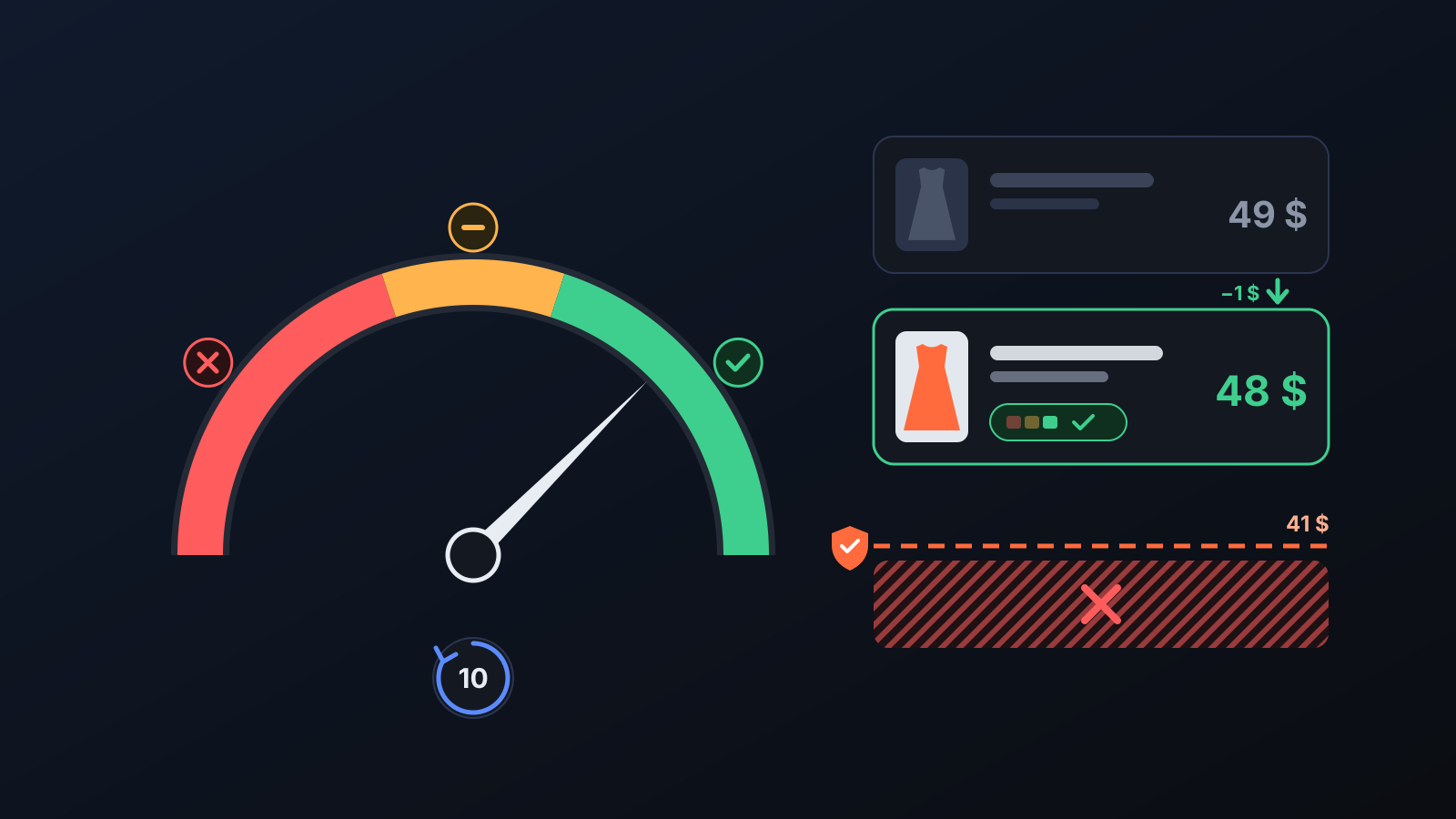
Ozon compares your listing's price with the price of the same product on Ozon and on the other websites it takes into account. If your price is attractive, the index turns green: Ozon promotes the listing in search and gives it the “Цена что надо” badge. A listing with a red index gets none of this support. Adjusting prices to competitors by hand every day takes time, and it is easy to lose sight of profit along the way.
How does it work?
- Switch it on. An administrator turns on Competitor-based pricing (price index) on the Price & Stock page. Prices are recalculated every 10 minutes.
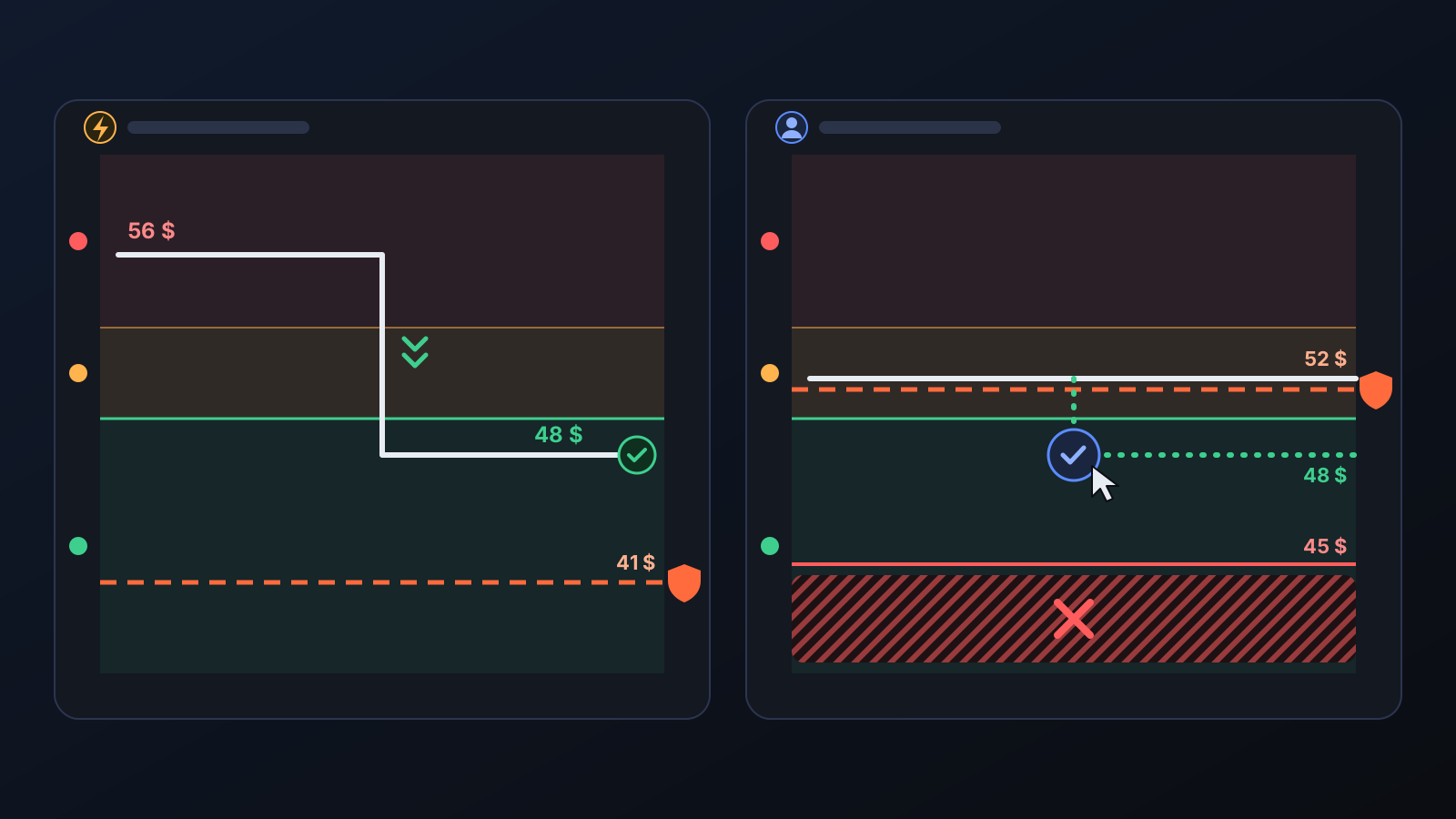
- The competitor price is read. The lowest competitor price Ozon reports for each size listing is taken; sizes are read one by one, and each size moves toward the target from its own price.
- The price goes just below the competitor, never below the floor. If the competitor is cheaper, your price goes just below theirs; if the competitor is more expensive, it stays at your target-margin price. If the competitor is even below your profit floor, the price stays at the floor.
- A small step to green. On a yellow or red listing, if the price needed for green is above the floor, the price is lowered just enough to reach green. No further step is taken until Ozon recalculates the index, and a green listing's price is never raised so far that it drops out of green.
- Below the floor is your decision. If the green price is below the floor, the price is left alone. The Price index card on the Home page shows the green and yellow prices together with the net profit per size at that price, and asks “Shall I apply it?”. A price below the loss limit is never offered.
What does it affect?
- Home → Price index: the number of green, yellow and red listings; listings lowered to green in this run, waiting for Ozon's calculation, awaiting your approval and sitting at an approved price. Listings whose competitor is most likely a different product are flagged as a “possible wrong match”: they get no approval button, and a “не мой товар” complaint in the Ozon seller account is suggested instead.
- Approved price: a price you approve becomes that size's new floor and is not raised back in later runs. If the cost goes up and that price would mean a loss, the approval is cancelled automatically.
- Price brakes: in a single run the price can drop by at most 45% and rise by at most 25%, and daily changes are limited too, so faulty competitor data cannot crash a price at once.
- Price index in clothing: Ozon does not build an index for most clothing listings sold from abroad. For clothing, shoes and accessories, Ozon counts only lamoda.ru and wildberries.ru as external websites; the brand's own website does not count. Under Ozon's rules, a listing with no index is better placed than one with a red index.
Update: the Link found page (10 October)
To include a listing in the price index, Ozon needs a link to a competitor selling the same product, and such links can only be added from the seller account with a file. The Link found page in the left menu (Products with a link found) makes this easier: your product sits on the left and the competitor listing Commbot found on Ozon sits on the right.
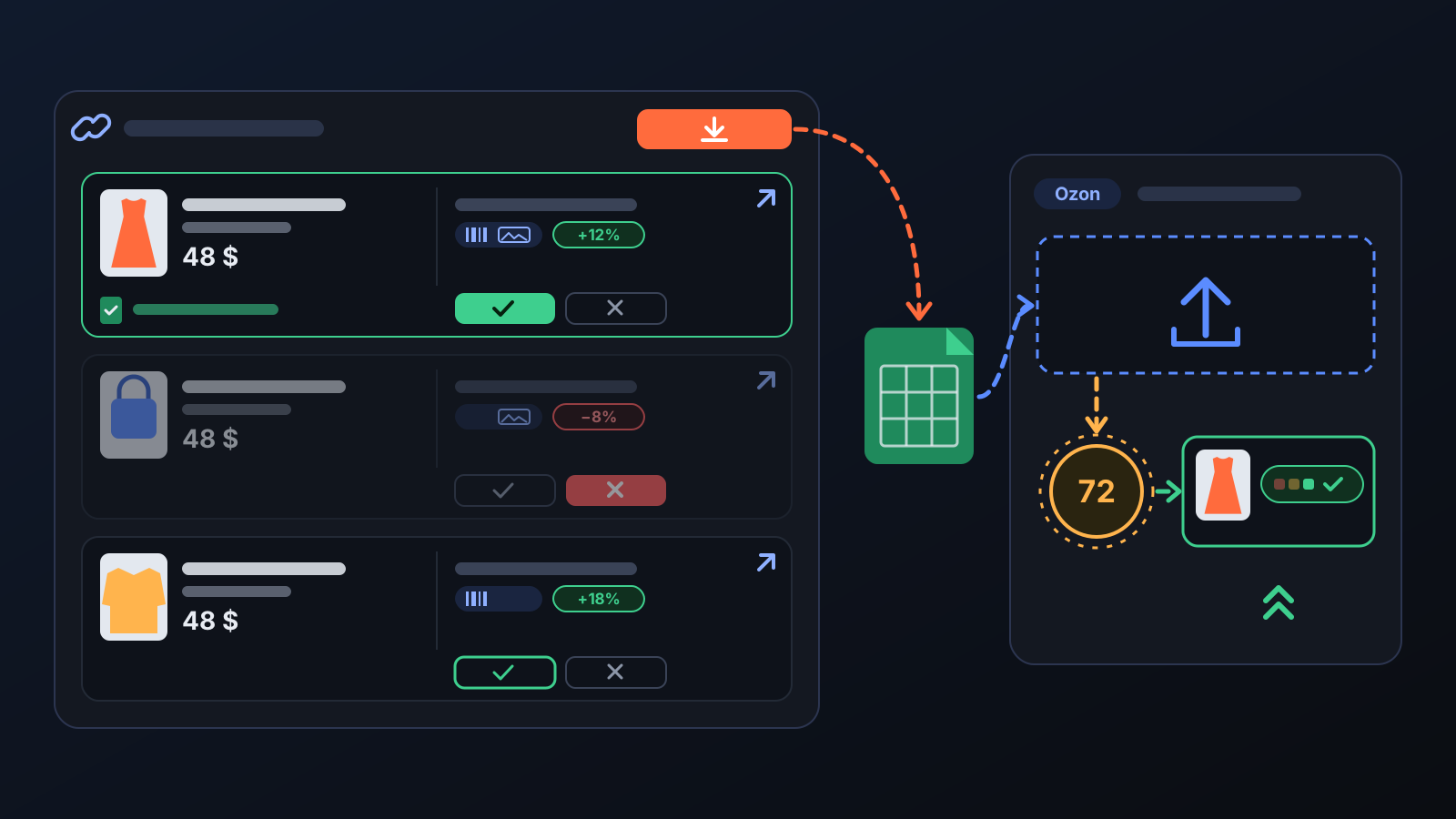
- Open the competitor listing and check: is it the same product, is it on sale, is its price higher than yours? If so, mark ✓ Correct; if not, ✗ Wrong. Each row shows what the match is based on (product code, photo) and whether the competitor is more expensive or cheaper than you.
- Press Download Ozon template. The file only includes products you marked as correct, whose competitor does not look cheaper than you and that have a size listing on sale.
- In the Ozon seller account, open the competitor links page under Prices and promotions and upload the file (in the Russian interface: Цены и акции → Ссылки на конкурентов).
Tips for better results
- Keep your floor margin realistic: the higher the floor, the fewer listings can reach a green index; the Price index card shows you this gap.
- Before approving, look at the net profit per size at the green price; for some listings the yellow price may be the better balance.
- Competitor links are searched for in turn and appear on the page as they are found; if the list is empty, check again in a few days.
- The automatic steps and approval suggestions run in stores that Commbot manages with full automation.
More from Commbot
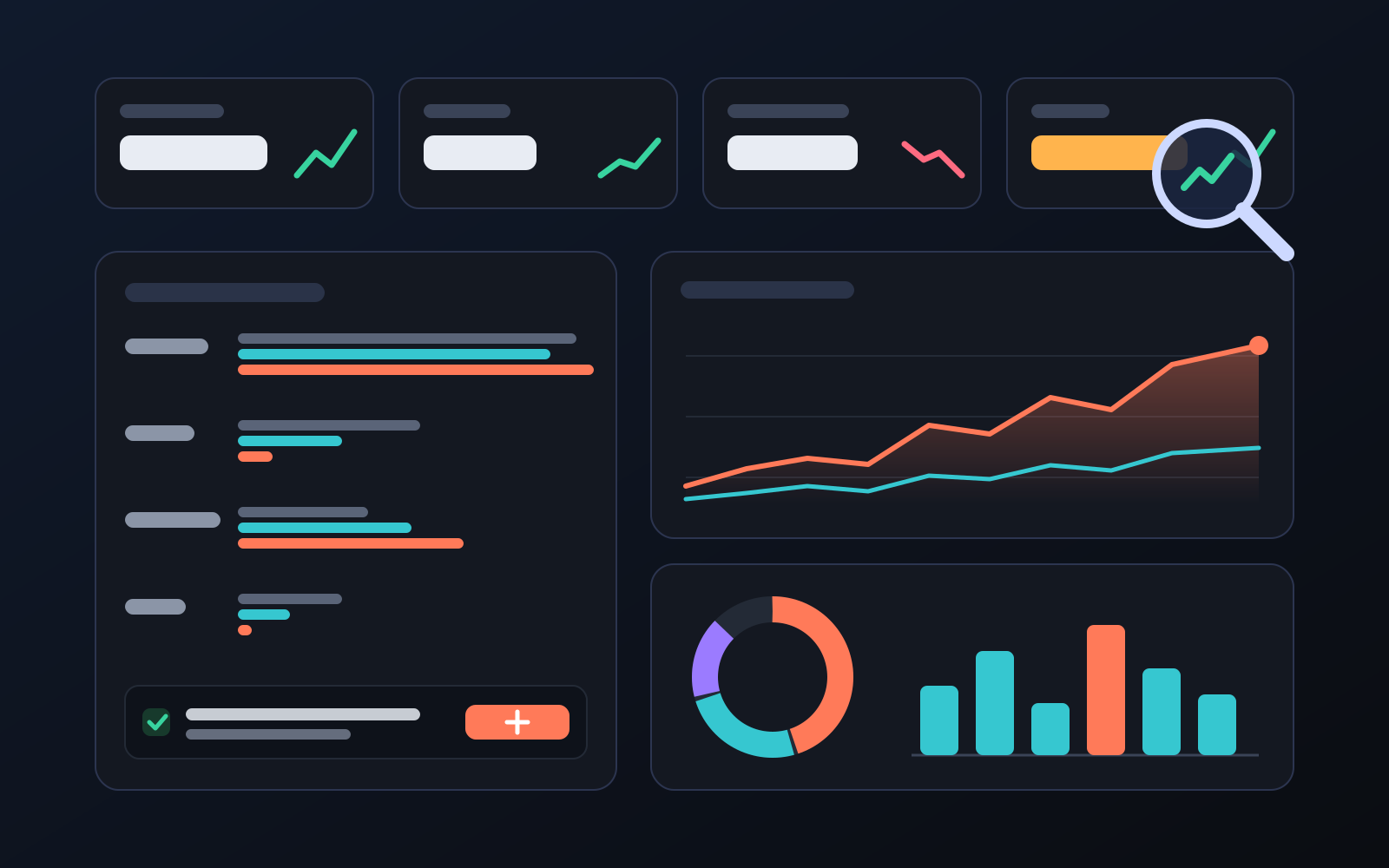
Analytics page: what sells in your store and what doesn't, on one screen
See how your products do by category, brand, price, colour, size and region, in charts. The page turns findings into plain sentences and gives one-click suggestions.
2026-10-29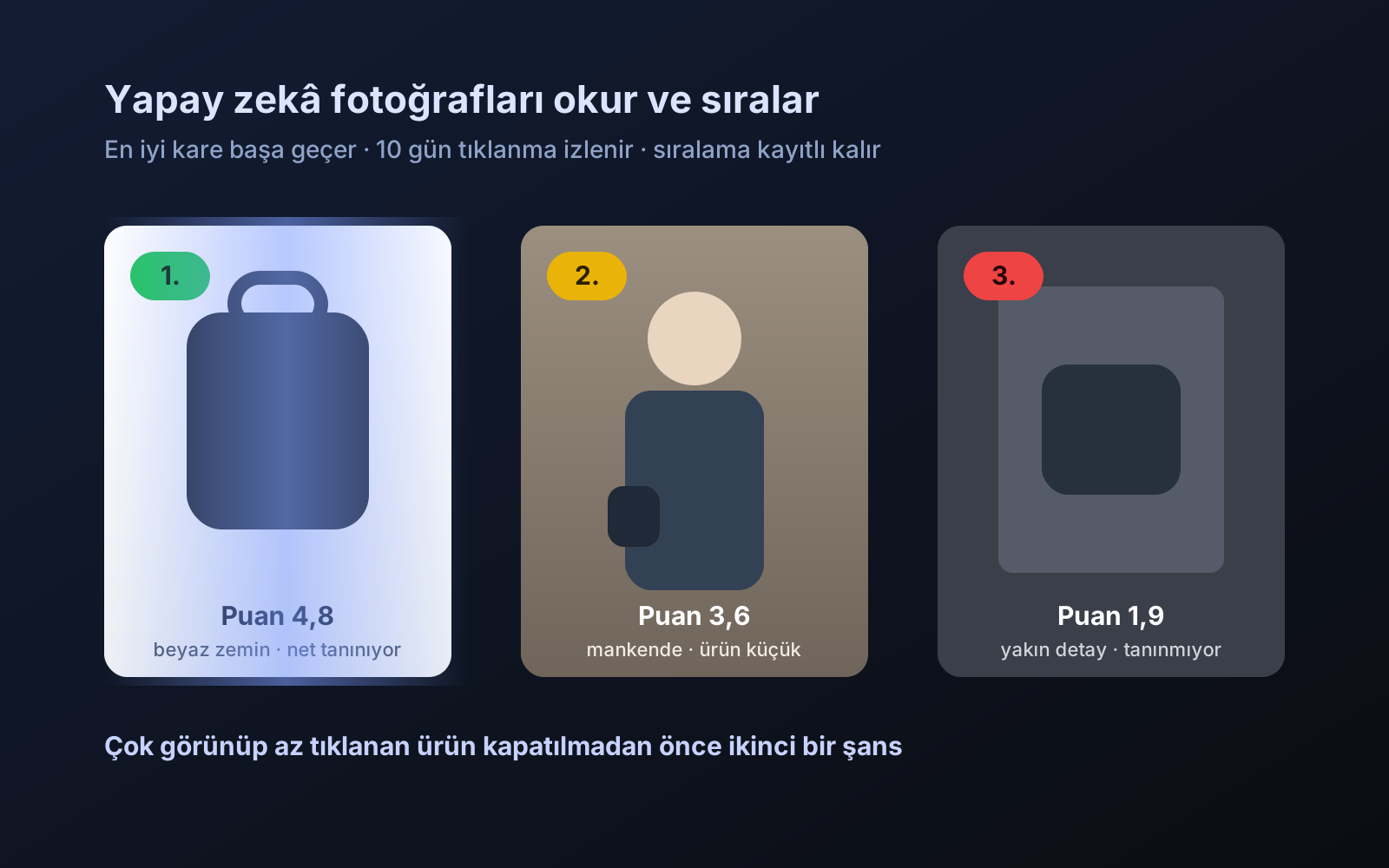
Photo trial before swap
We have improved our system for turning products on and off. It is still in a trial stage, but you can already use it.
2026-10-28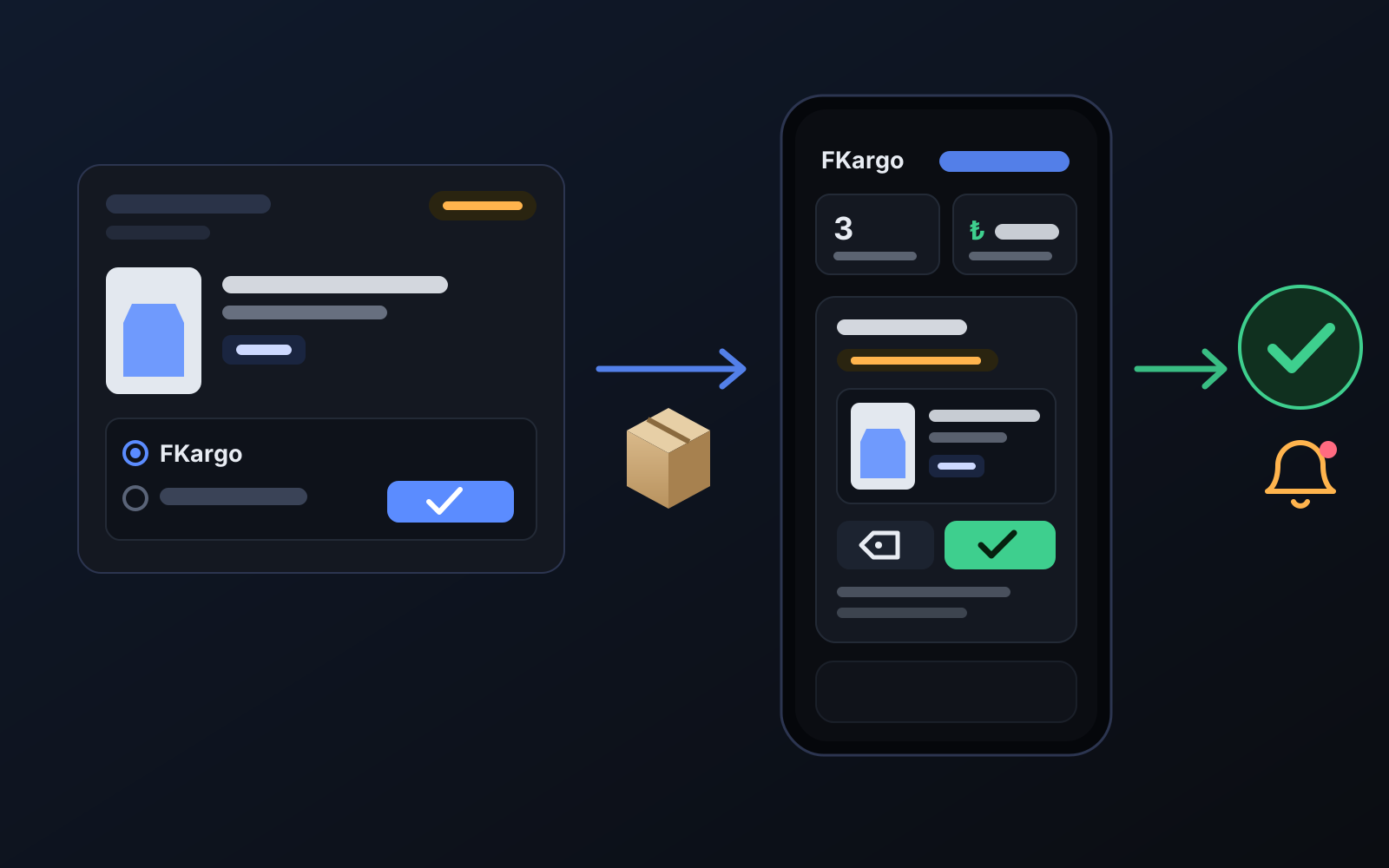
Shipping partners: hand your orders to FKargo and see when they are shipped
Order the item from the brand to FKargo’s address; FKargo puts on the Ozon label and drops the parcel at the shipping point. One-click forwarding and automatic forwarding in Incoming orders.
2026-10-20