 Commbot
On sale: products discounted on the brands' own sites, on one screen
When a brand discounts a product on its own site, your purchase cost drops while the price on Ozon often stays the same. On sale collects these opportunities every 2 hours.
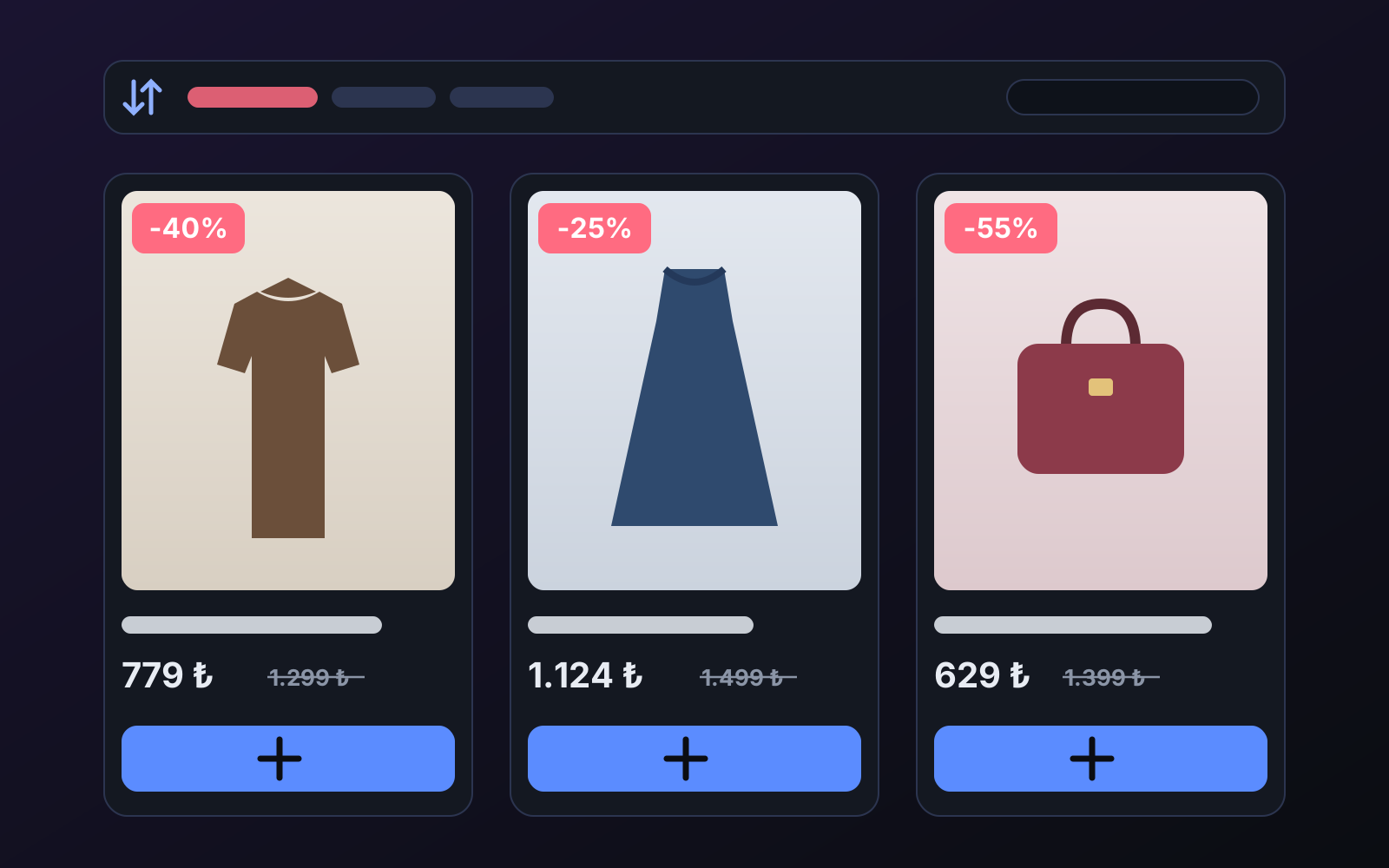
When a product goes 40% off on the brand's site, two doors open for you as an Ozon seller: more profit at the same price, or more sales at a lower price. The hard part is catching which product goes on sale and when.
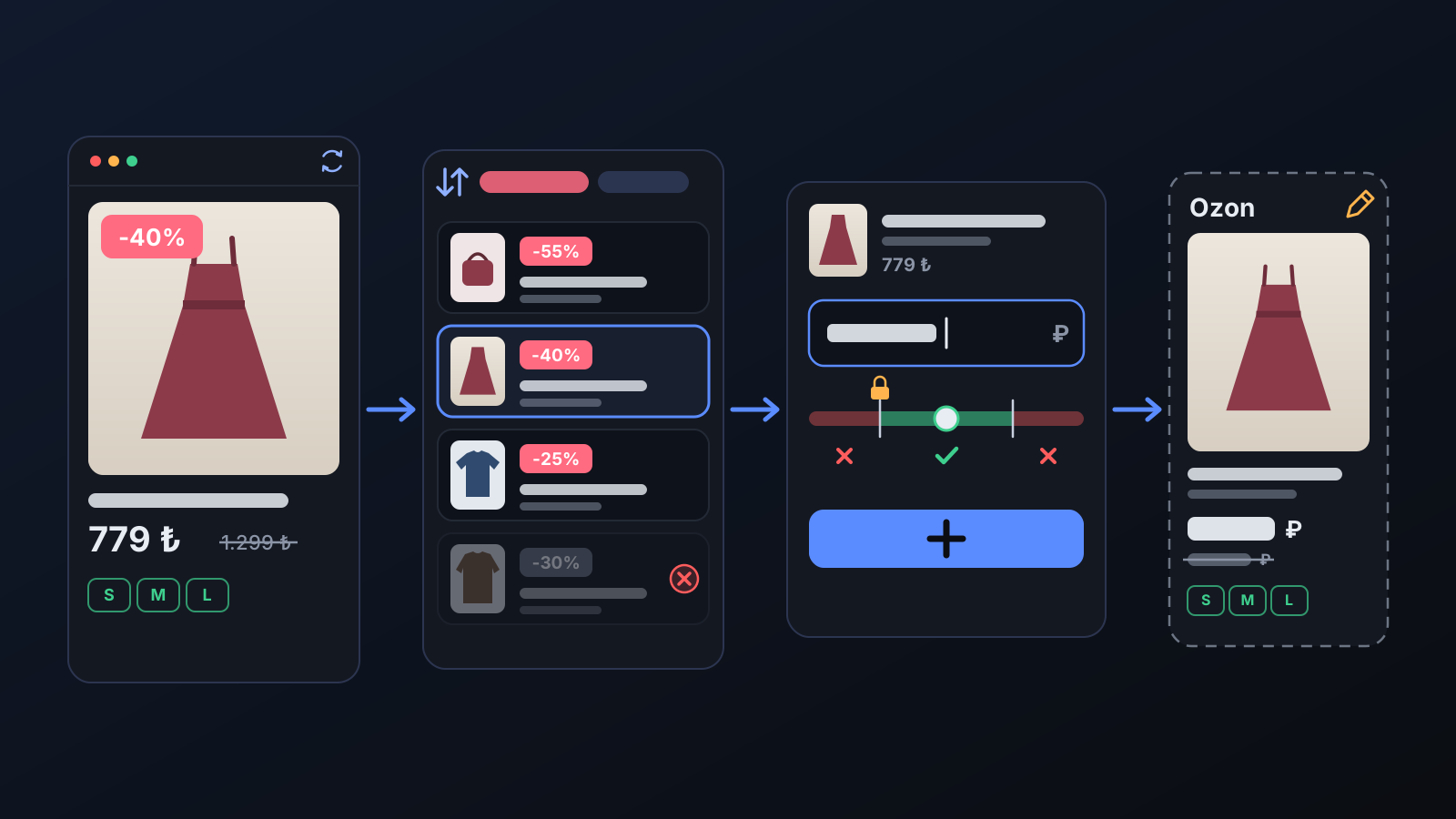
How to use it
- Open On sale from the left menu.
- Sort by discount rate or search; check the product's photos, sizes and description.
- Type your selling price (or leave it to the store rule) and press Add to my store. The product is added as a draft; the price you typed becomes a margin specific to that product.
What does it affect?
- Price: the price you type becomes a product-specific margin; a price below your floor margin or above your profit cap is not accepted.
- Strike-through price: if there is a real discount at the source, a strike-through reference price appears on the Ozon card too.
- Sold out: stays in the list but goes to the end of every sort and is marked "Sold out".
Tips for better results
- Pick the product with full sizes, not the one with the biggest discount: a product with one size left is a cancellation risk.
- When the discount ends, your cost goes up; with price automation on, your selling price follows your margin.
More from Commbot
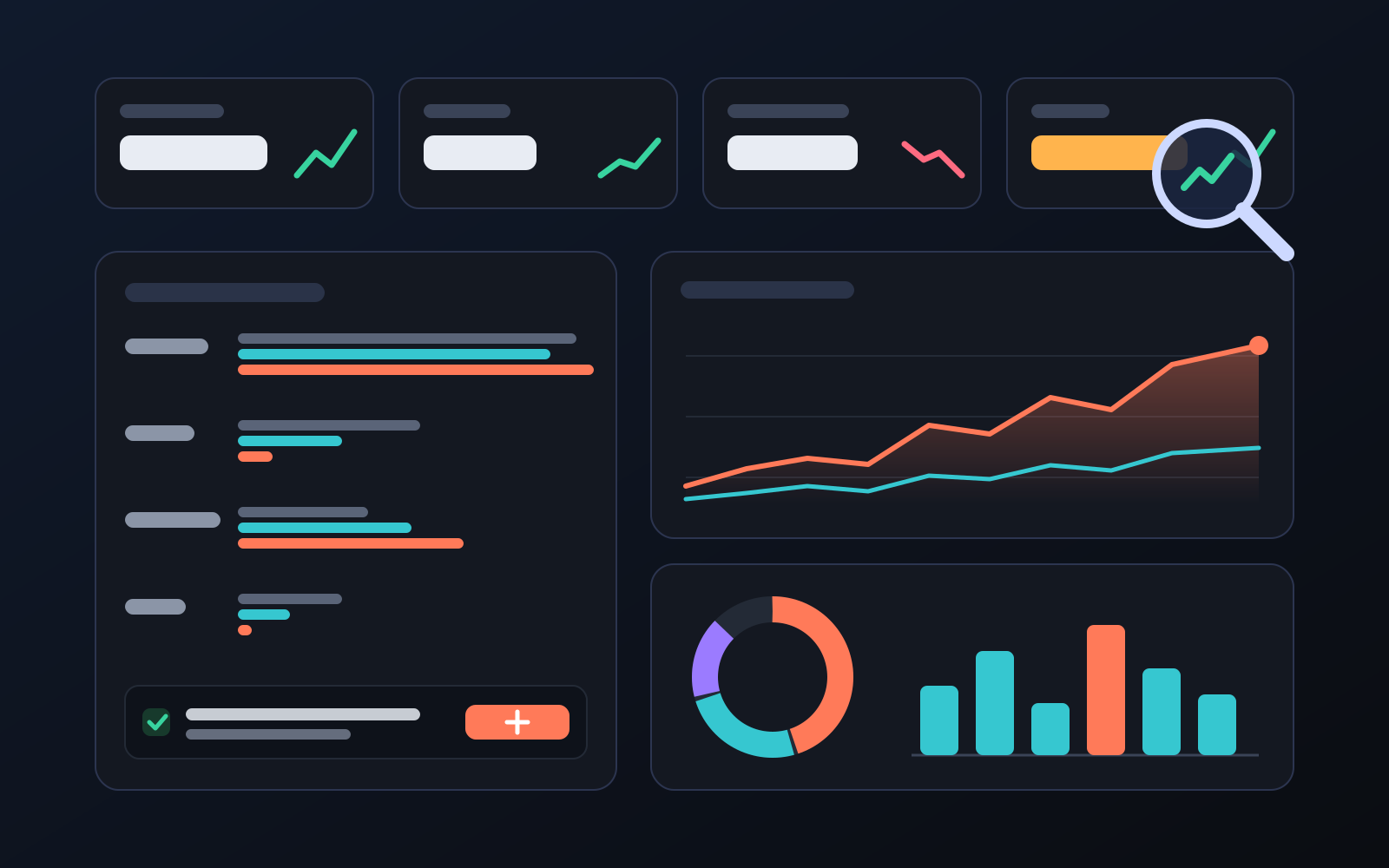
Analytics page: what sells in your store and what doesn't, on one screen
See how your products do by category, brand, price, colour, size and region, in charts. The page turns findings into plain sentences and gives one-click suggestions.
2026-10-29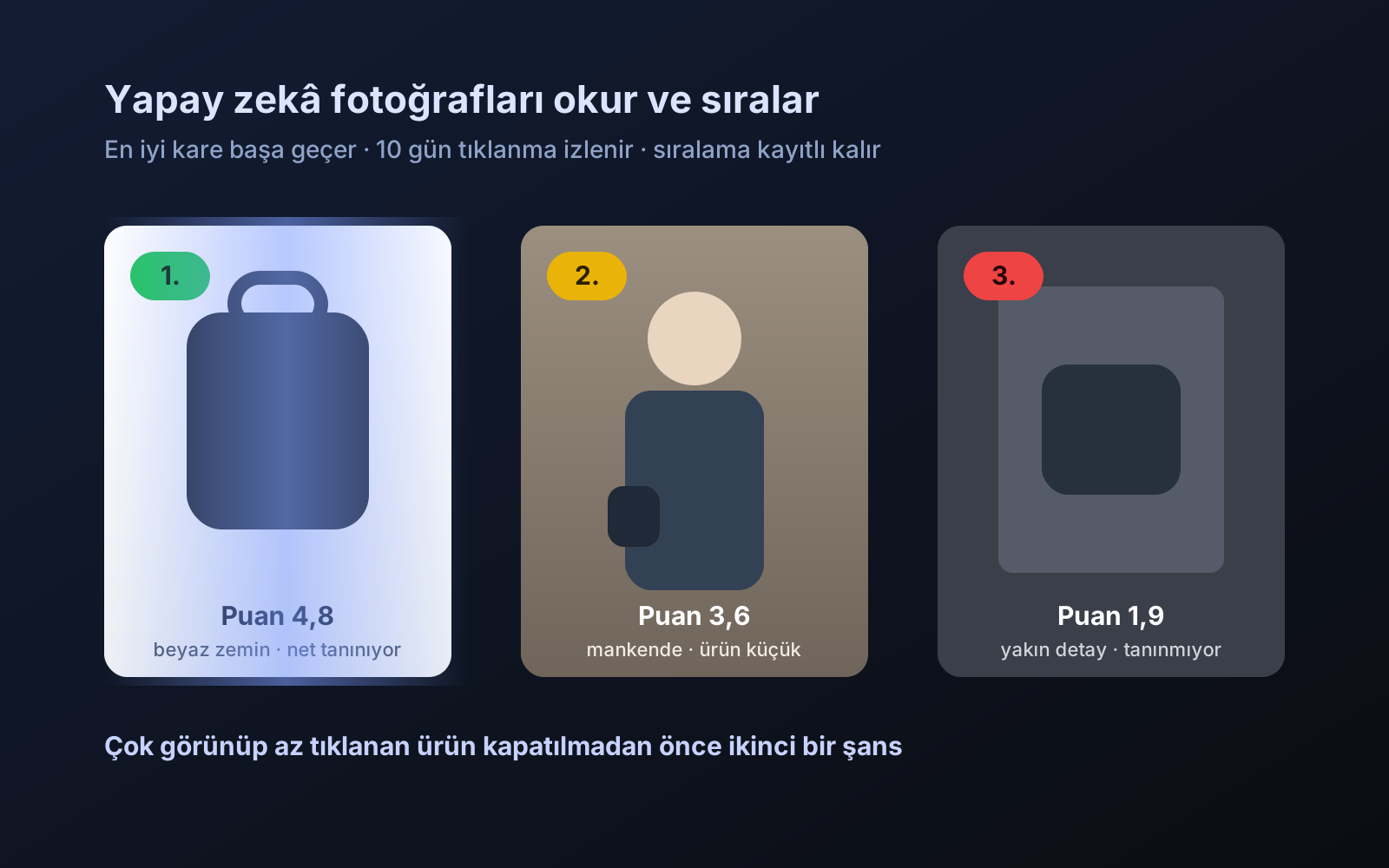
Photo trial before swap
We have improved our system for turning products on and off. It is still in a trial stage, but you can already use it.
2026-10-28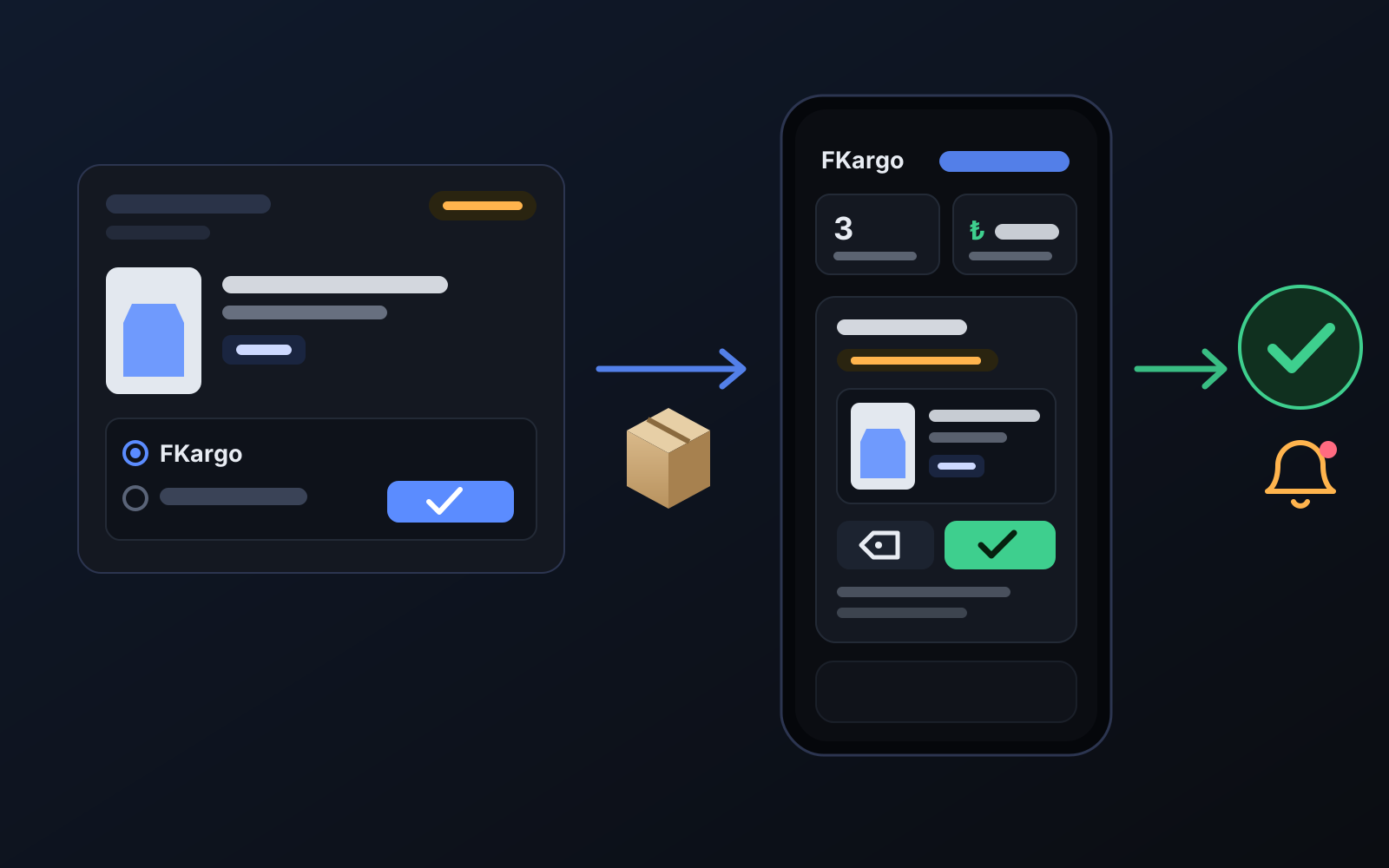
Shipping partners: hand your orders to FKargo and see when they are shipped
Order the item from the brand to FKargo’s address; FKargo puts on the Ozon label and drops the parcel at the shipping point. One-click forwarding and automatic forwarding in Incoming orders.
2026-10-20