 Commbot
Automatic barcodes and rich content: no empty fields on your cards
Barcodes and rich content are often left empty on Ozon cards. Commbot fills both fields on its own: the barcode comes from Ozon's own barcode generator, and the rich content is built from the card's own photos. Content that is already on the card is never touched.
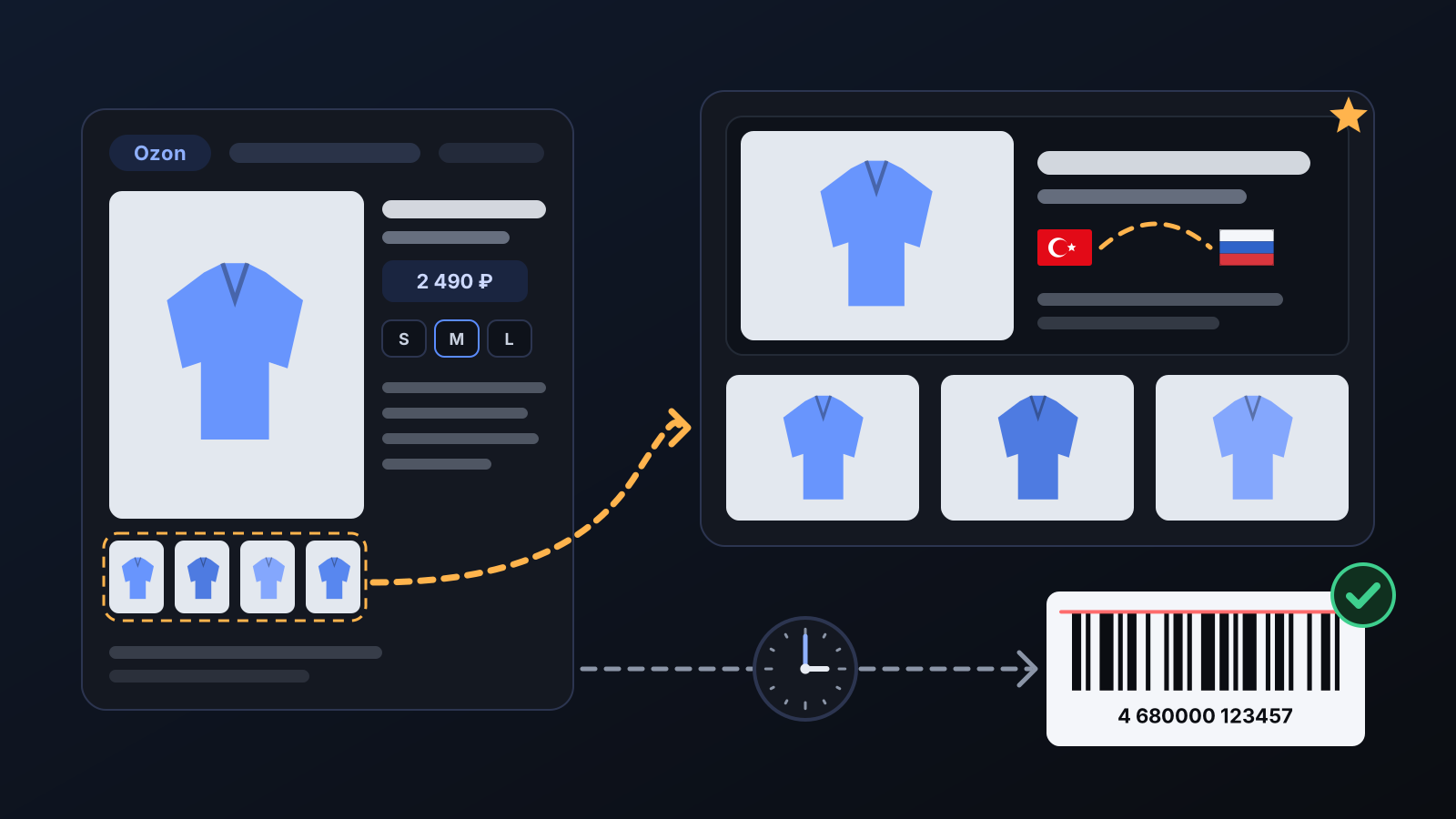
In a store with hundreds of cards, filling in barcodes and rich content one by one takes hours, so on most cards both stay empty. The barcode is the ID Ozon uses to recognize the product; it is needed, for example, when claiming compensation for a lost item. Rich content appears on the product page as a large image and a photo strip, and it is a separate item in Ozon's content rating. Commbot completes both for you.
How it works
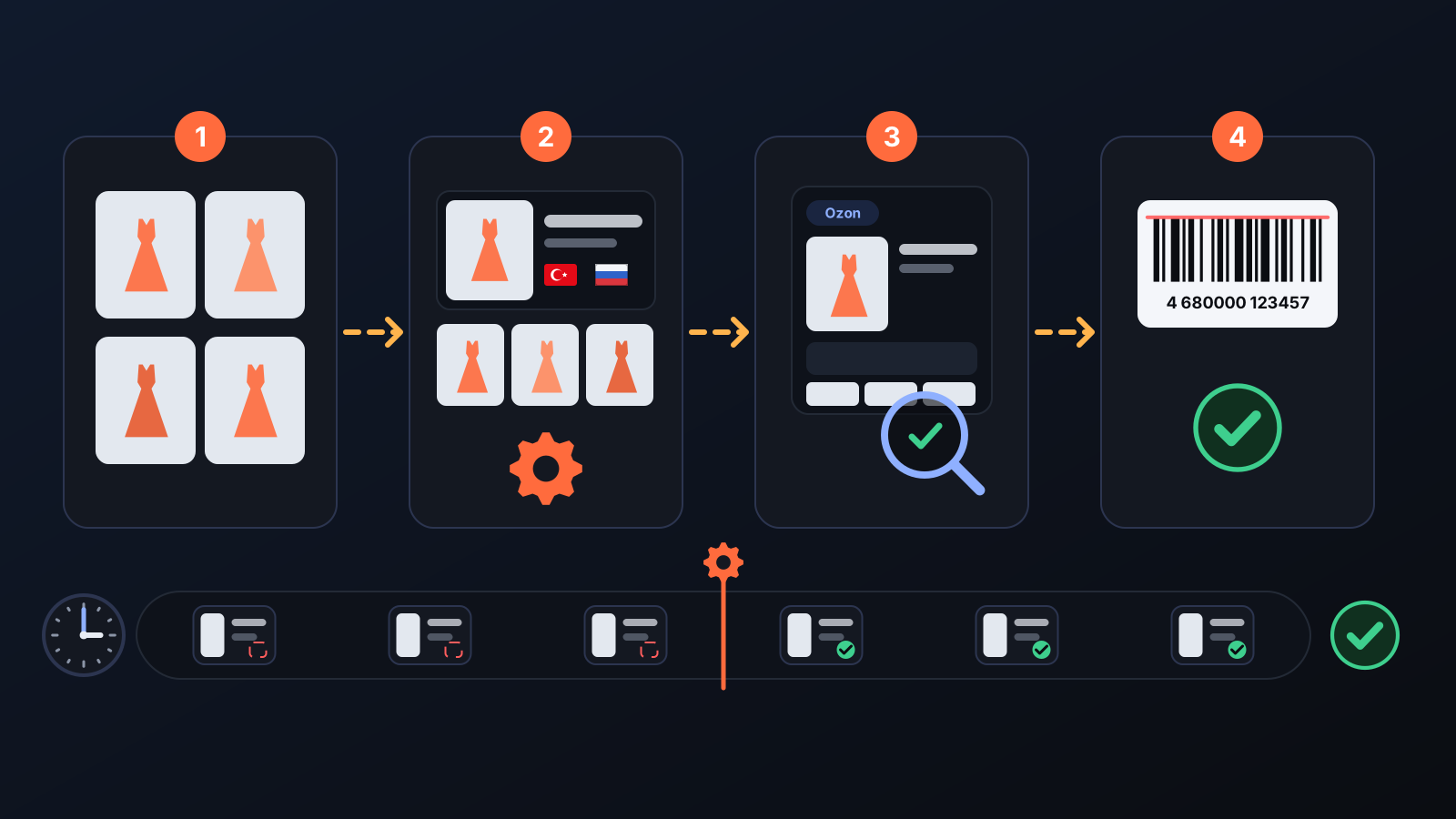
- Every day Commbot scans the cards in your store and finds those missing a barcode or rich content. Only cards Commbot opened from brand catalogs are considered.
- Cards without a barcode get one from Ozon's own barcode generator.
- Rich content is built from the card's own photos: a large image with the product name and a brand line on top, and below it a strip with up to three more of the card's photos.
- The text makes no claims: only the brand name and "shipped from Turkey" are written; no feature the product does not have is added.
- After each update, sample cards are read back from Ozon and checked; if a rich content update cannot be confirmed, the job stops itself.
- If your card already has rich content, it is never overwritten.
What it affects
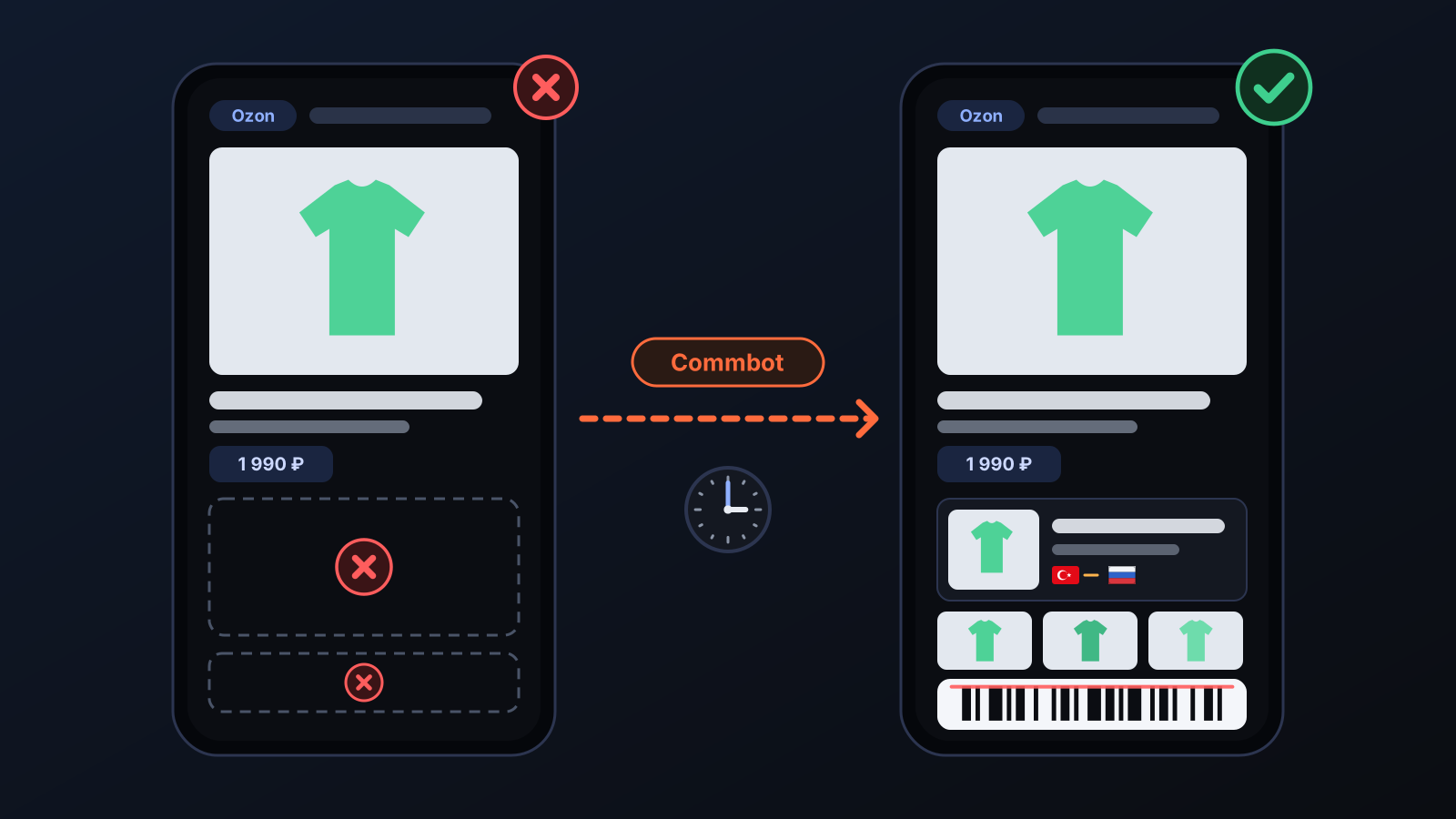
- Ozon product page: shoppers see a large product image and a photo strip.
- Content rating: rich content is a separate item in Ozon's content rating, and it no longer stays empty.
- Barcode: the card's barcode field is filled.
- Everything else on the card: price, stock, title and photos do not change; only these two fields are added.
Tips for better results
- Prefer products with plenty of photos: the strip is built from the card's own photos, and a card with a single photo only gets the large image.
- If you want to use rich content you designed yourself, add it to the card on Ozon: Commbot never overwrites a filled block.
- On a new card these fields are completed by the next day's run at the latest; if you do not see them right away, give it a day.
More from Commbot
One-click sign-in: link your account to Google
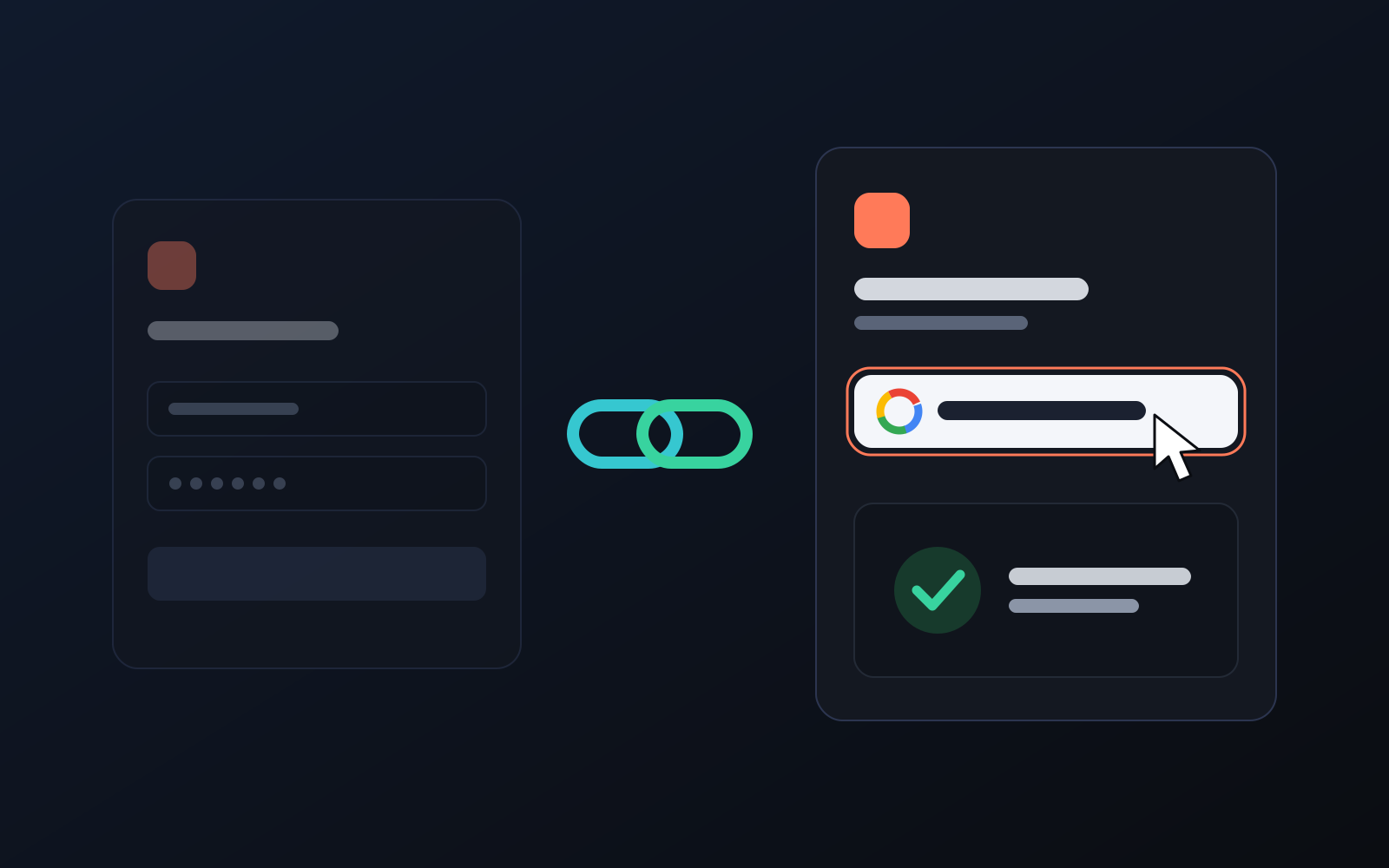
You can now link your Google account to the account opened with the username and password we gave you. Link it once, then sign in with the "Sign in with Google" button without typing a password.
2026-10-29
Analytics page: what sells in your store and what doesn't, on one screen
See how your products do by category, brand, price, colour, size and region, in charts. The page turns findings into plain sentences and gives one-click suggestions.
2026-10-29
Photo trial before swap
We have improved our system for turning products on and off. It is still in a trial stage, but you can already use it.
2026-10-28