 Commbot
Customer win-back: a timed discount for products left in the cart, never below your profit floor
A product that is added to the cart but not bought is a sign that the buyer is hesitating over the price. Customer win-back catches that moment: it lowers the product's price for a short time, and Ozon notifies the waiting buyer that the price has dropped. The discount protects your profit floor, and the price goes back once an order arrives or the time runs out.
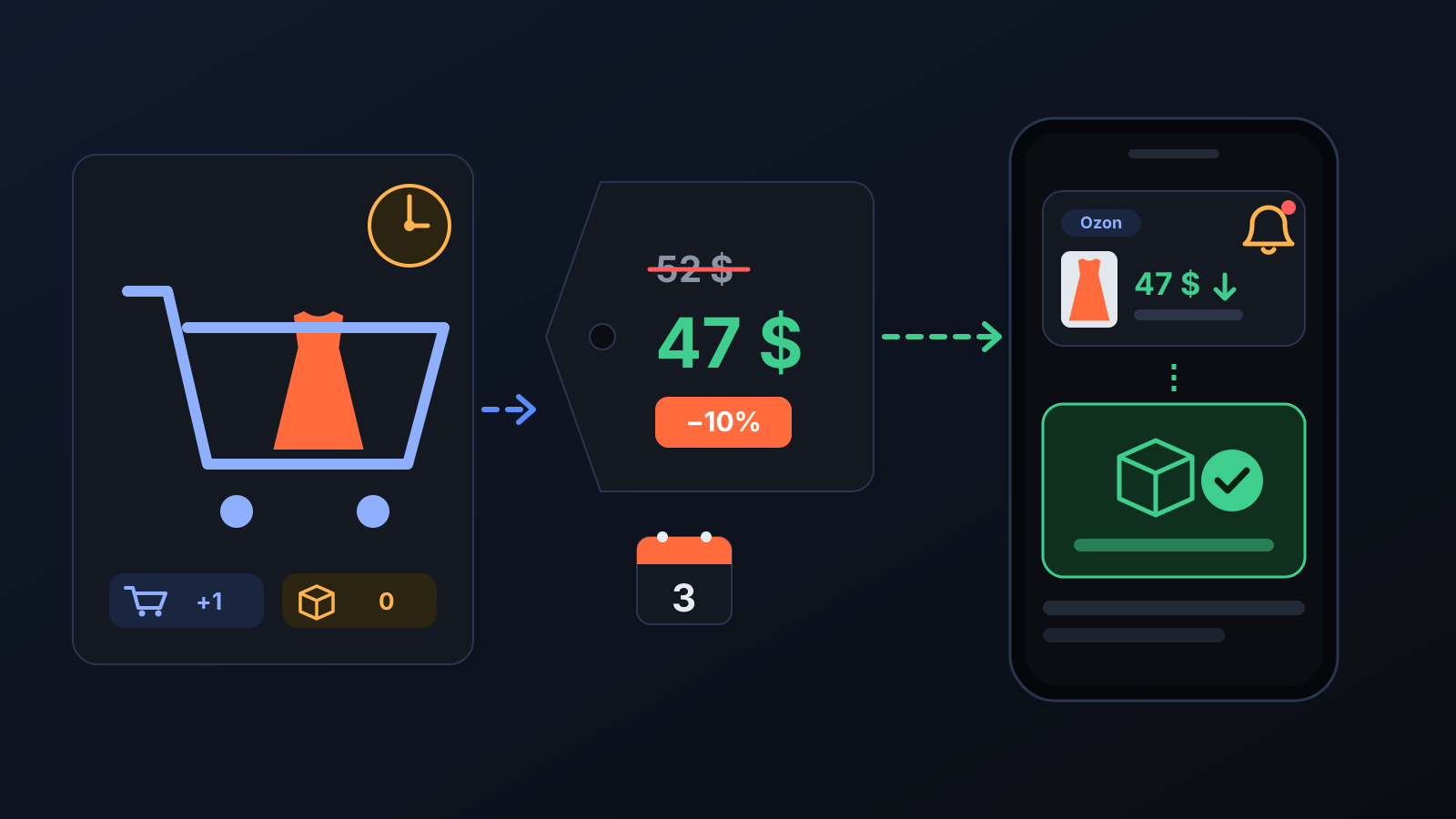
When a buyer adds a product to the cart and does not buy it, they are often weighing up the price. Ozon itself notifies buyers who keep the product in their cart or follow its price when that price drops; the seller's job is to lower the right product's price at the right moment. Customer win-back does this for you every hour.
How does it work?
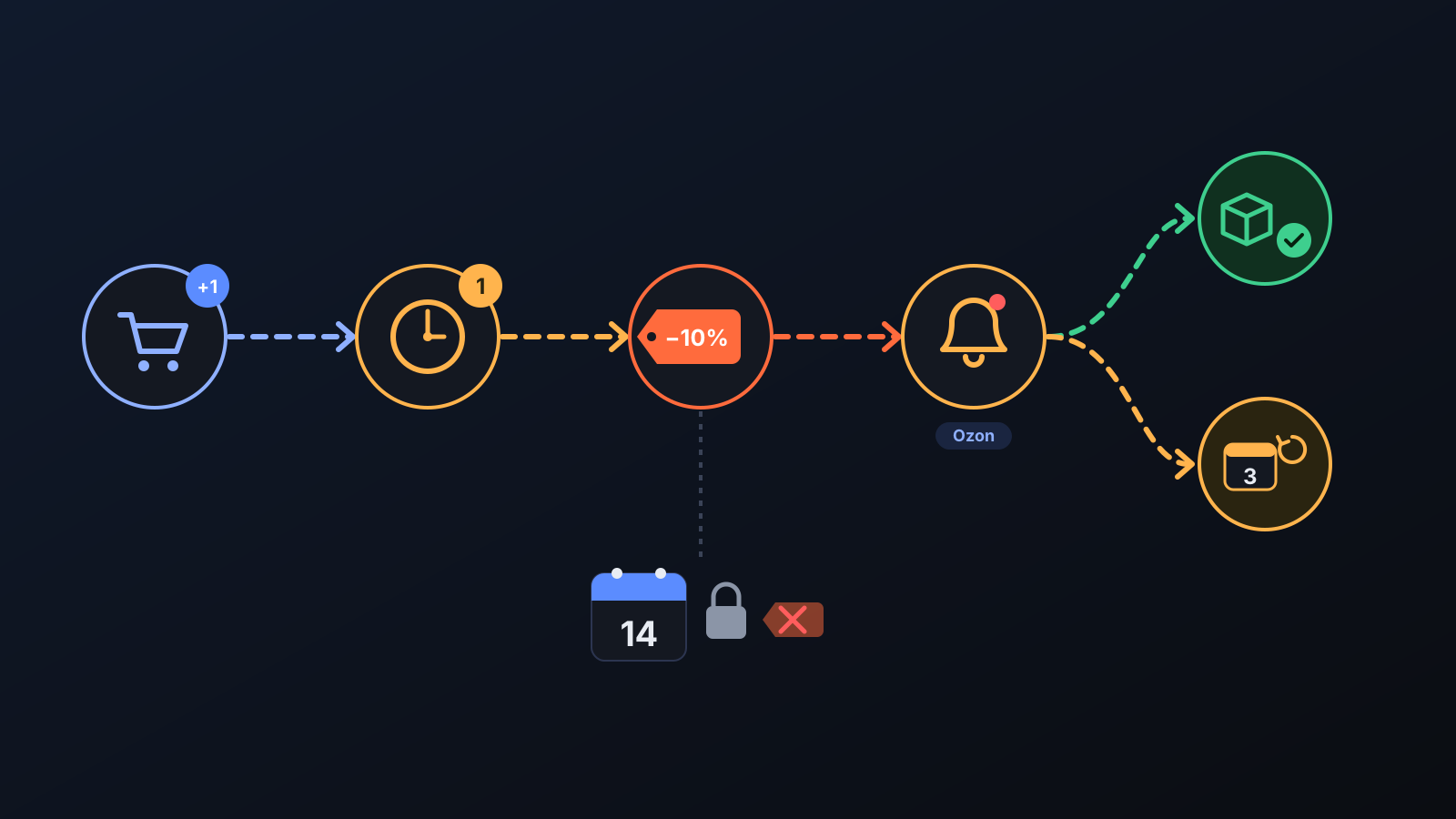
- Carts are tracked. Every hour Ozon's daily cart and order counts per product are read. A product added to a cart that has not turned into an order is flagged.
- One hour of waiting. If there is still no order an hour after the flag, the product becomes a discount candidate.
- The price drops for a limited time. The discount is at most 10% and never goes below your profit floor. A discount smaller than 3% is not applied, because buyers would not notice it. The discount stays on for 3 days.
- If an order arrives, the discount ends at once. The row is marked as a recovered customer. If no order comes, the price returns to normal when the time is up.
- No back-to-back discounts. The same product is not discounted again within 14 days.
What does it affect?
- If the price is already at the floor: there is no room for a discount. In that case, only once per listing, Commbot turns the return allowance built into the price (the share set aside from every sale for “1 return in every N products”) into a discount. That sale still covers your cost, the Ozon deduction and shipping; only the share reserved for returns is spent on it. These rows carry the discount FROM THE RETURN BUFFER badge.
- A discount for everyone: Ozon does not tell sellers who added a product to their cart, so the discount is not personal; anyone who buys the product during that time pays the discounted price.
- Keeping the price in place: the Ozon price of every open discount is checked on each run; if another update has overwritten the discount, it is applied again, and if the cost has risen so that the floor is above the discount, the discount is closed.
- Skipped products: no discount is opened for products that are not on sale, are already discounted, have a locked price (for example, in paid promotion) or are waiting in an Ozon warehouse. The reason for every decision is shown on the page.
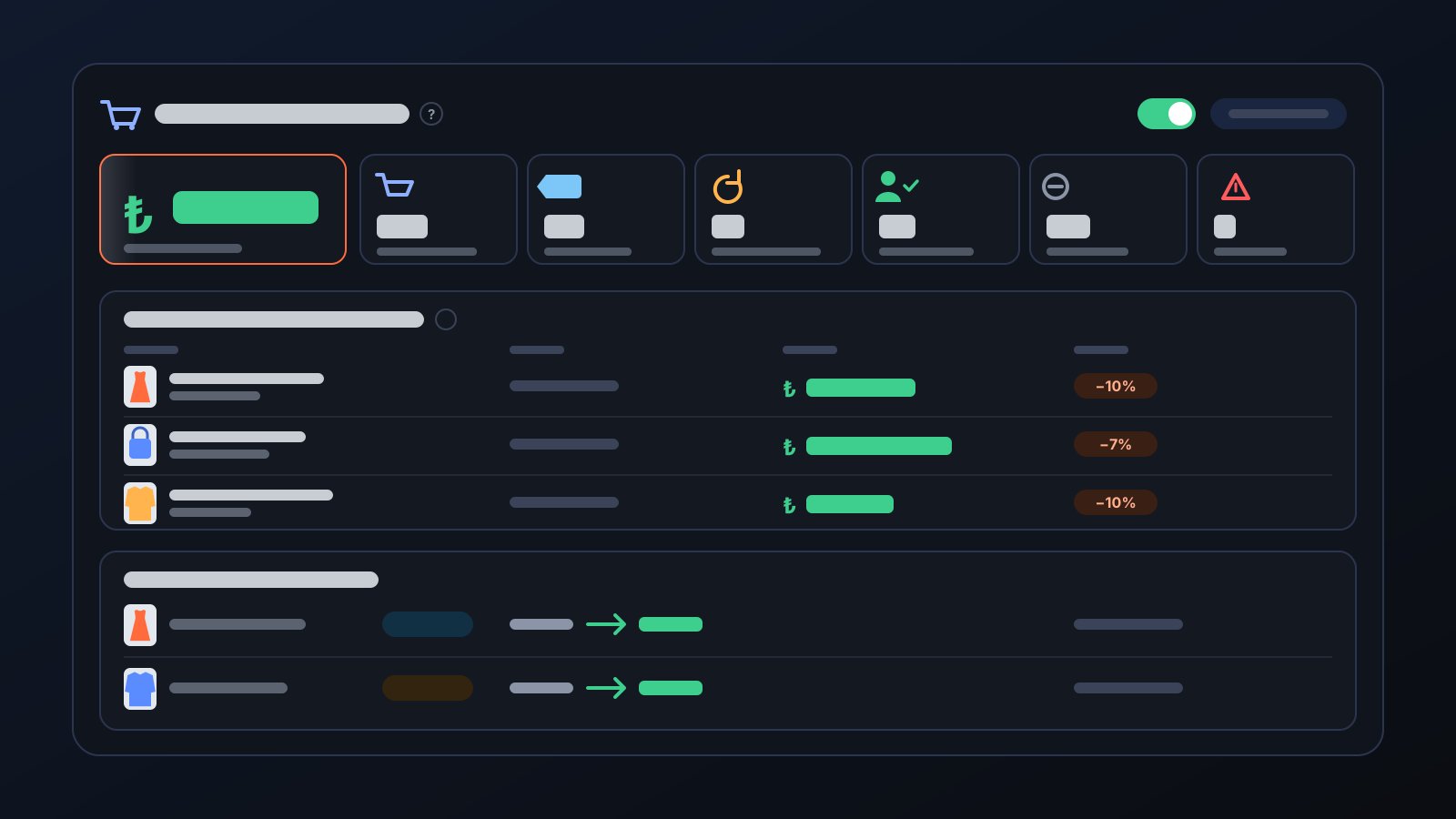
- Customer win-back page: the number of products added to cart, discounted, recovered and with no action taken; the decisions of the last 7 days, day by day; and the discounts currently active.
Tips for better results
- Leave room between your floor margin and your selling margin: if the gap is too narrow, the discount stays under 3% and is not applied.
- An administrator can switch the feature on or off with the switch at the top of the page. While it is off, no new discounts are opened; discounts already running still end when they expire or an order comes in.
- Look at the reasons in the “no action taken” rows: the most frequent reason shows which setting is holding discounts back.
- Customer win-back runs in stores that Commbot manages with full automation.
More from Commbot
One-click sign-in: link your account to Google
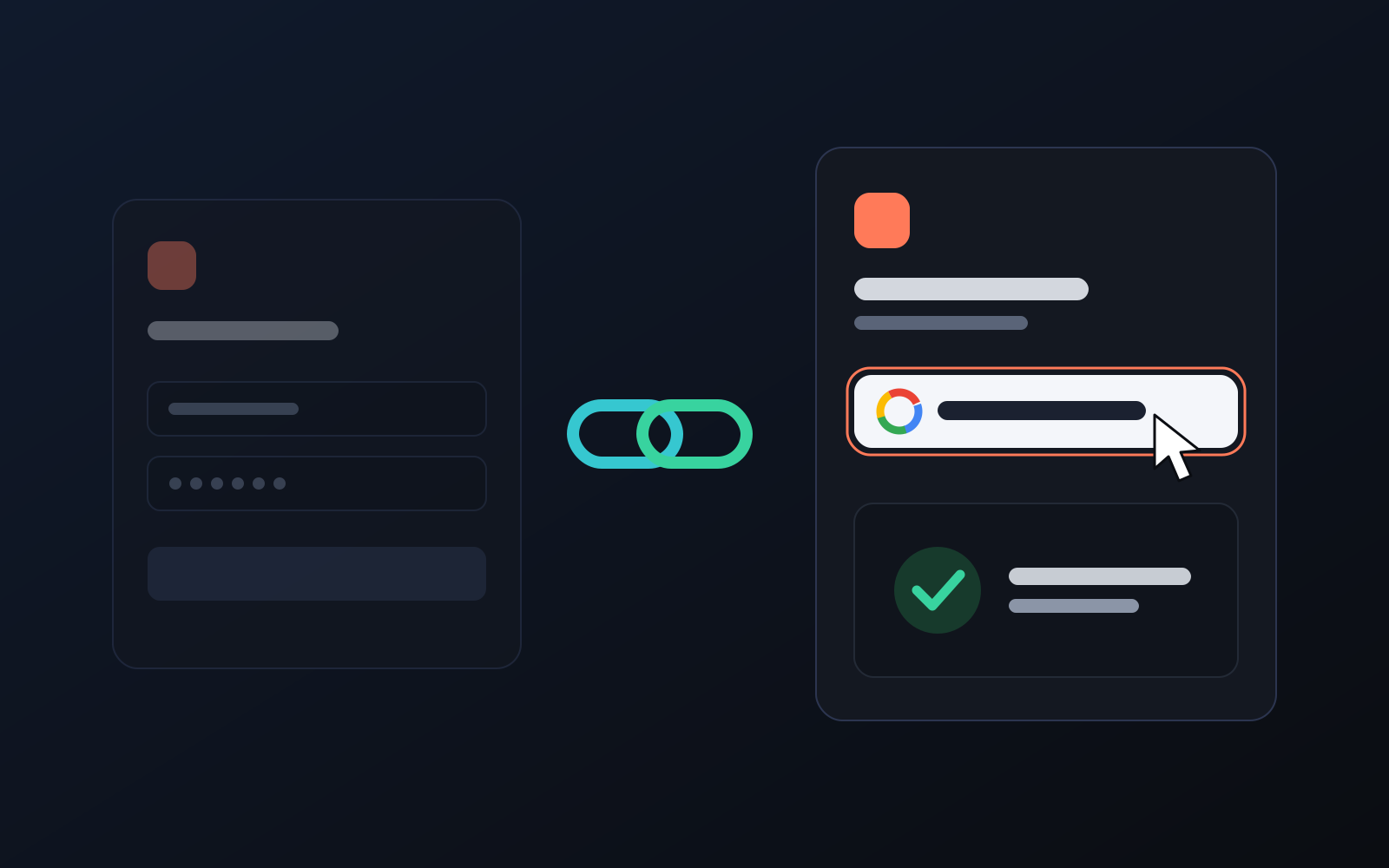
You can now link your Google account to the account opened with the username and password we gave you. Link it once, then sign in with the "Sign in with Google" button without typing a password.
2026-10-29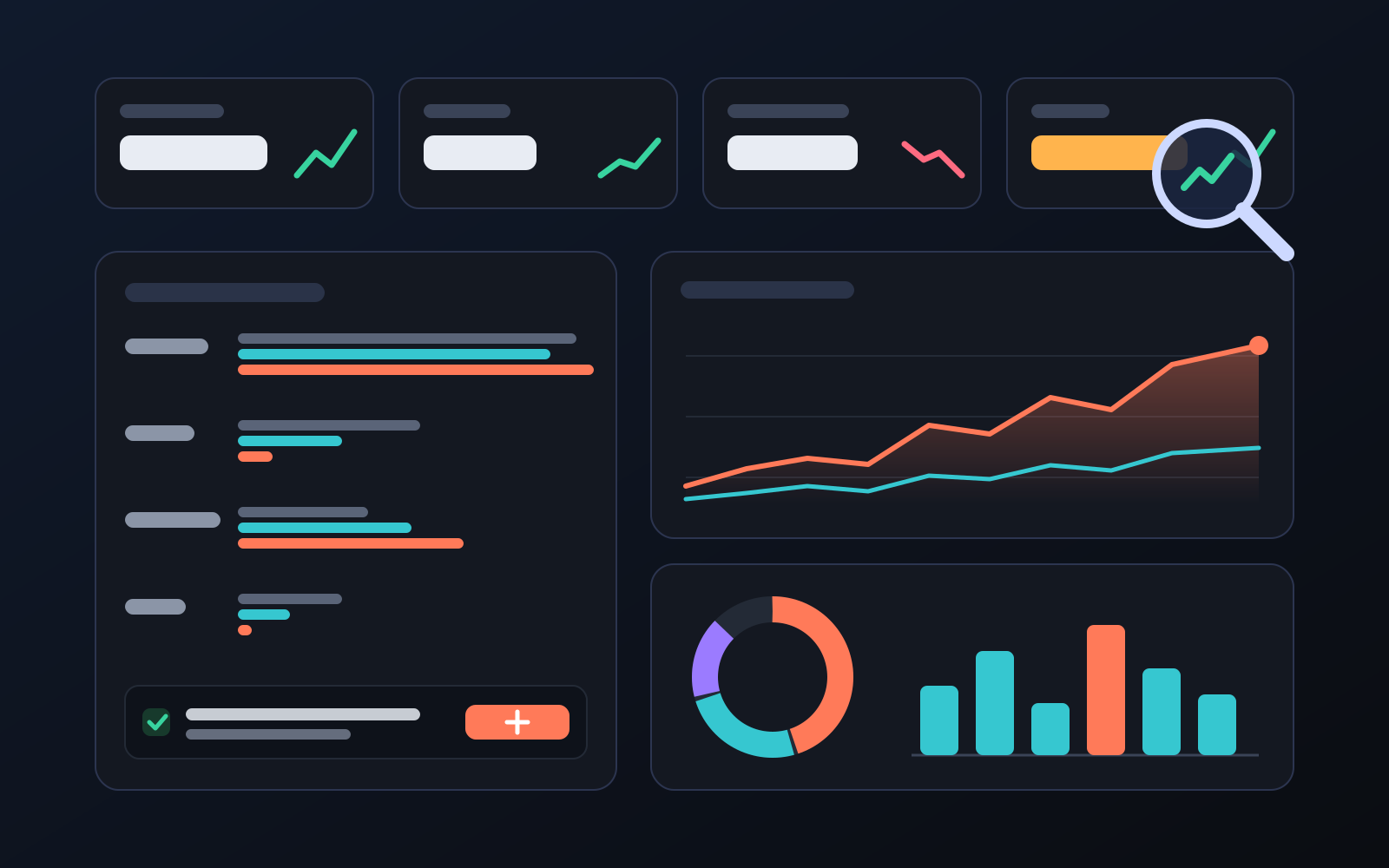
Analytics page: what sells in your store and what doesn't, on one screen
See how your products do by category, brand, price, colour, size and region, in charts. The page turns findings into plain sentences and gives one-click suggestions.
2026-10-29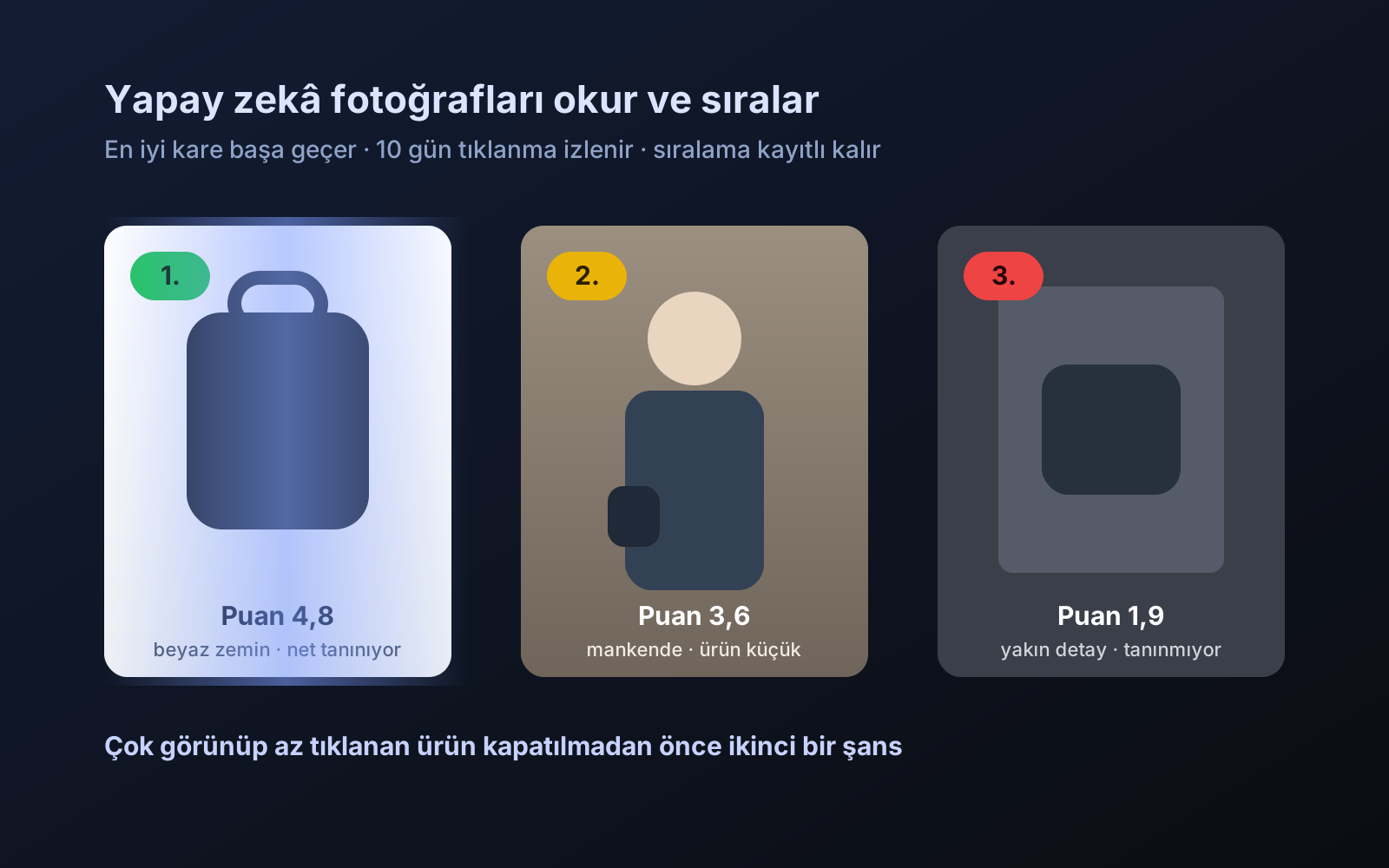
Photo trial before swap
We have improved our system for turning products on and off. It is still in a trial stage, but you can already use it.
2026-10-28